
— tools for photographers: don giannatti
the tools
These are the newest tools for photographers:
- THE STYLE GUIDE BUILDER.
This tool helps your write your style guide and then turns it into a .md file (MarkDown) that can be used in most every AI tool on the market.
Beginners will find a lot of great value in these tools:
- Are You Getting Paid What You Are Worth
- The Rate Card
- The Map
- The Frame
- The Studio Strategy Builder
- Style Guide Builder
If you’ve already got a business going, give these tools a shot:
- The Pitch
- The Map
- The Hold
- The Reach
- The Cold Eye
- The Proposal
- Minimal Viable Offer
Pros will enjoy working with the tools that push them harder:
- The Map
- The Hold
- The Project
- The Reach
- The Cold Eye
- The Curated Lens
- The Proposal
- The Strategist
- The AI Agency Offer Builder
- Minimal Viable Offer
If you want to be challenged, inspired, and pushed creatively, try:
- The Map
- The Project
- The Frame
- The Curated Lens
- The Assignment
- The Studio Strategy Builder
- The AI Agency Offer Builder
- Style Guide Builder
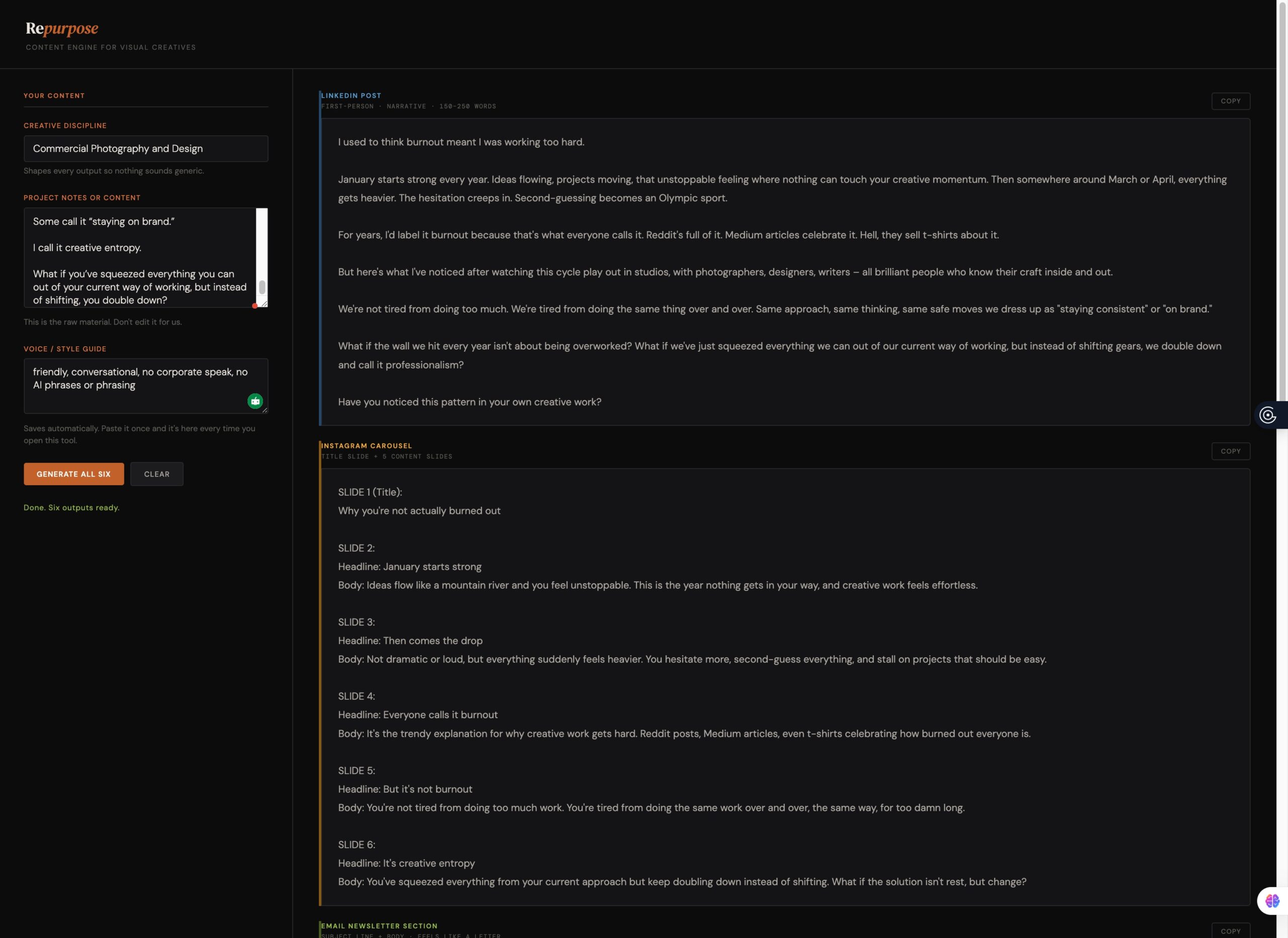
Repurpose Tool
What It Does
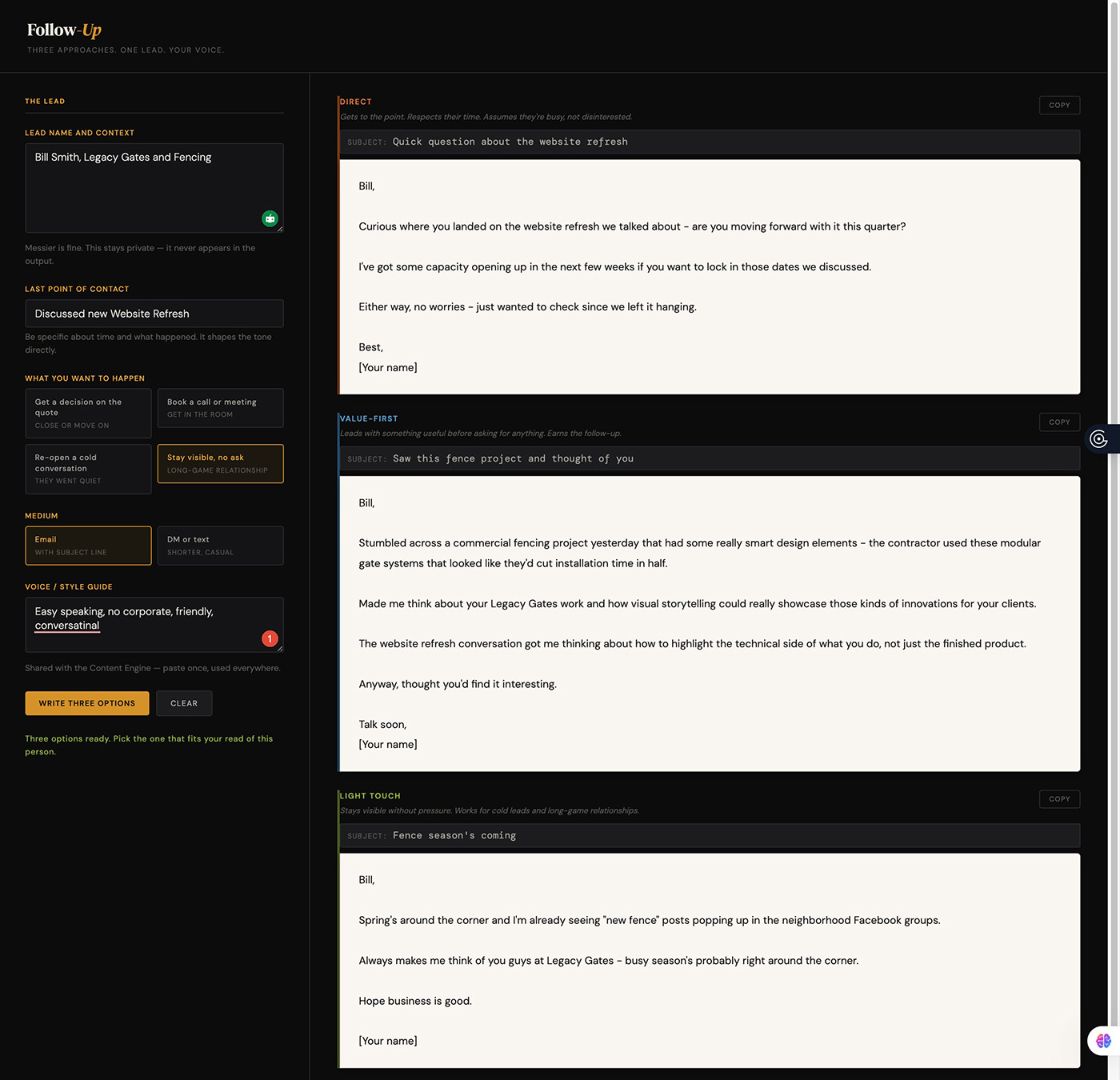
Follow Up
What It Does
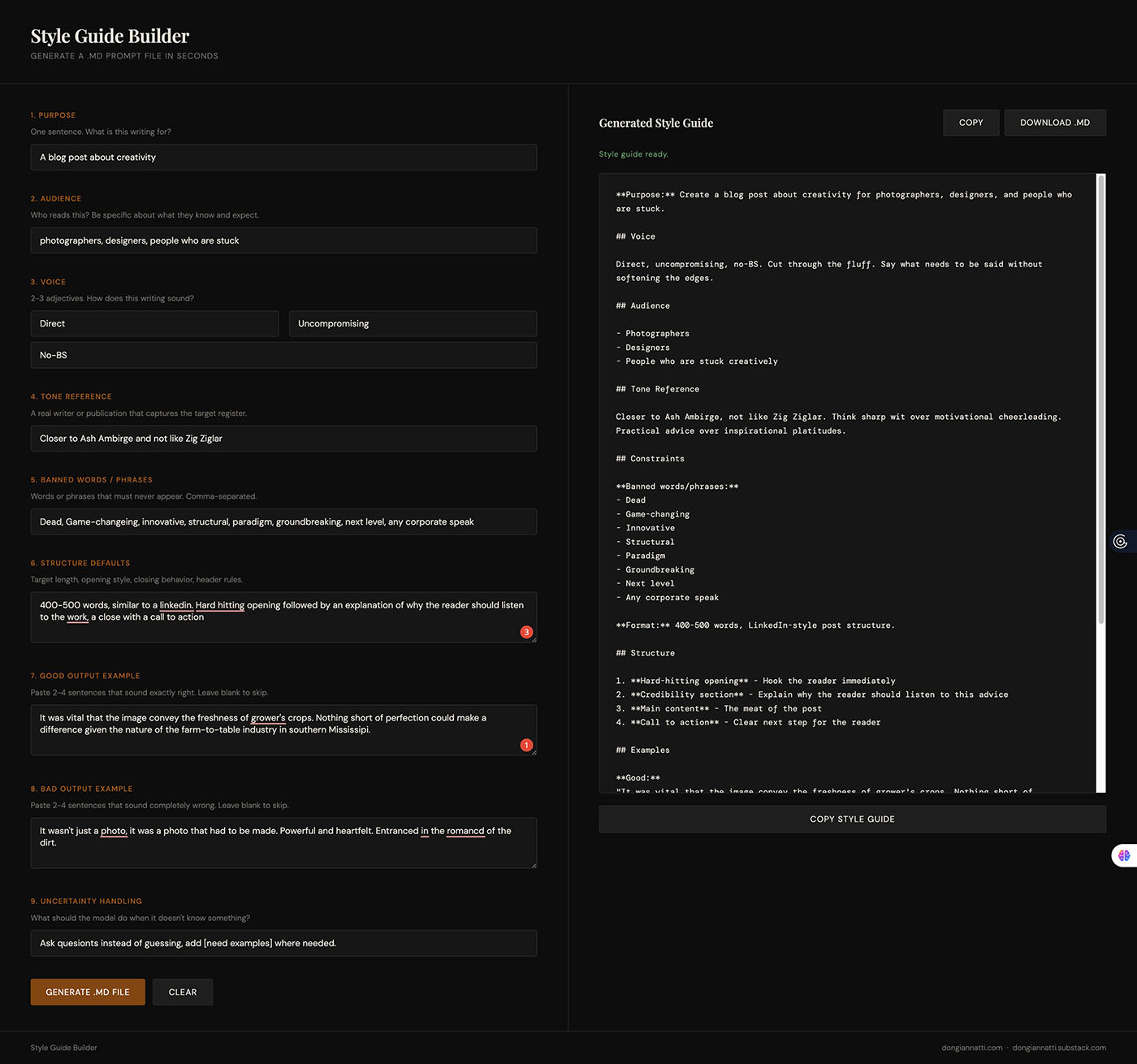
Style Guide Builder
What It Does
.md file. That’s a plain text document you paste at the start of any AI writing session.Think of it as a contract between you and the AI.
Before the model writes a single word, it knows your purpose, your audience, your voice, and what it must never do. (Oh, it still does them on occasion, but the editing you have to do is cut considerably.)
We do that by answering a set of questions that explains to the AI exactly who you are, what you do, who you are doing it for, what their expectations are, and what you want it to do.
The tool asks questions that cover the things that actually determine whether AI output is usable or just slop that’s flagged by most human brains as fake.
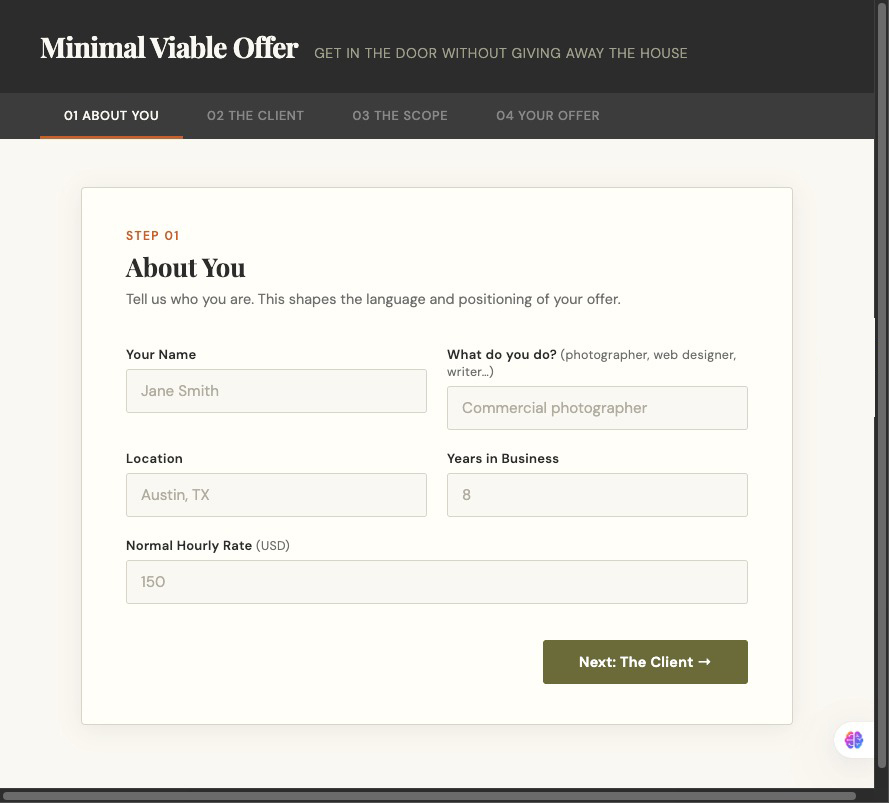
The Minimal Viable Offer
Sometimes you have to do what you need to do to get in the door and prove your value. The Minimum Viable Offer is that method. Give them a taste at a price they can live with, and show them what can be done. The MVO is a powerful tool.
NEW
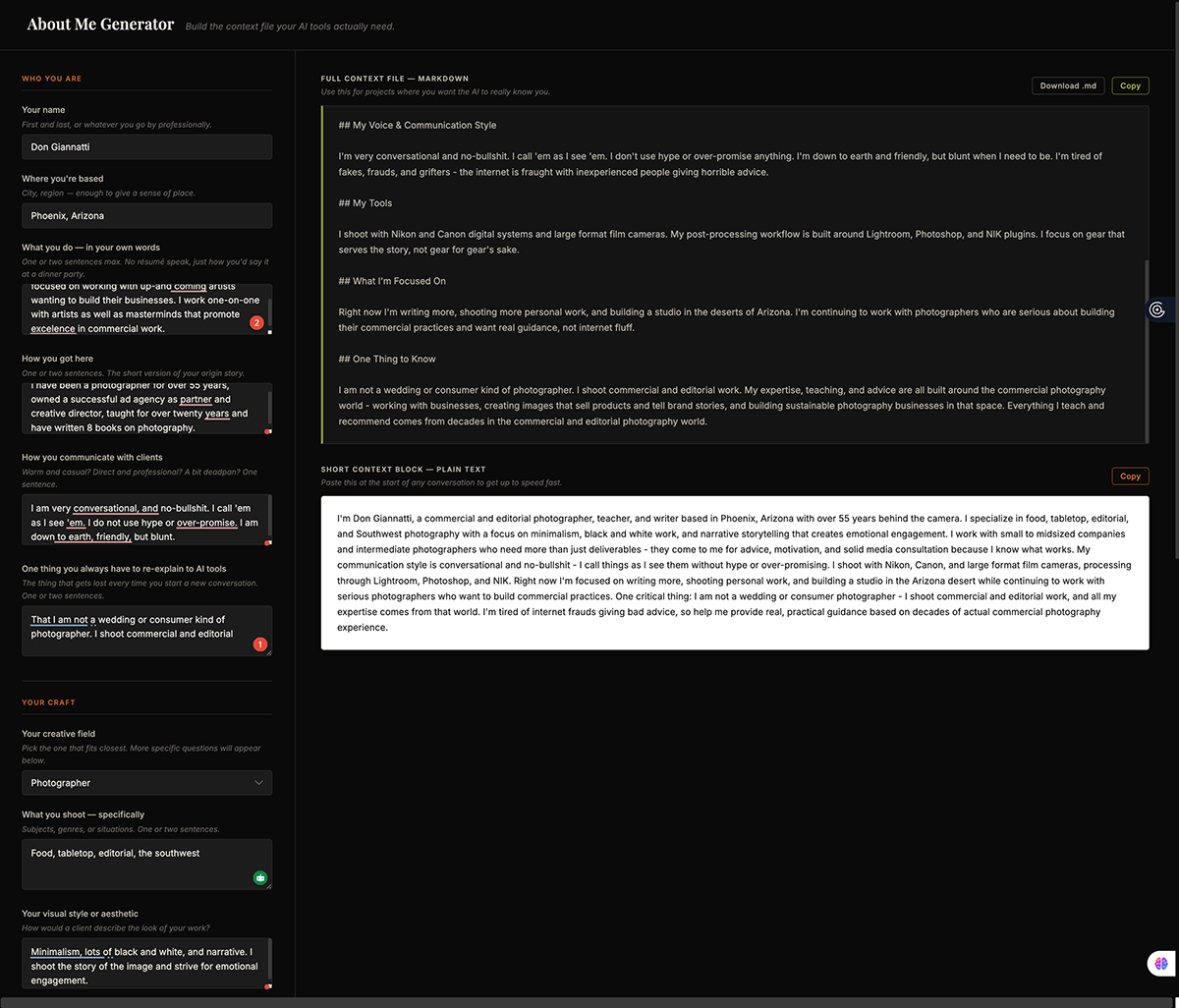
About Me Generator
This tool creates your about-me.md file, and you can use it in Claude as a .SKILL. You’ll never have to tell Claude (or Gemini as a Gem) what you do and all of what goes along with that.
NEW
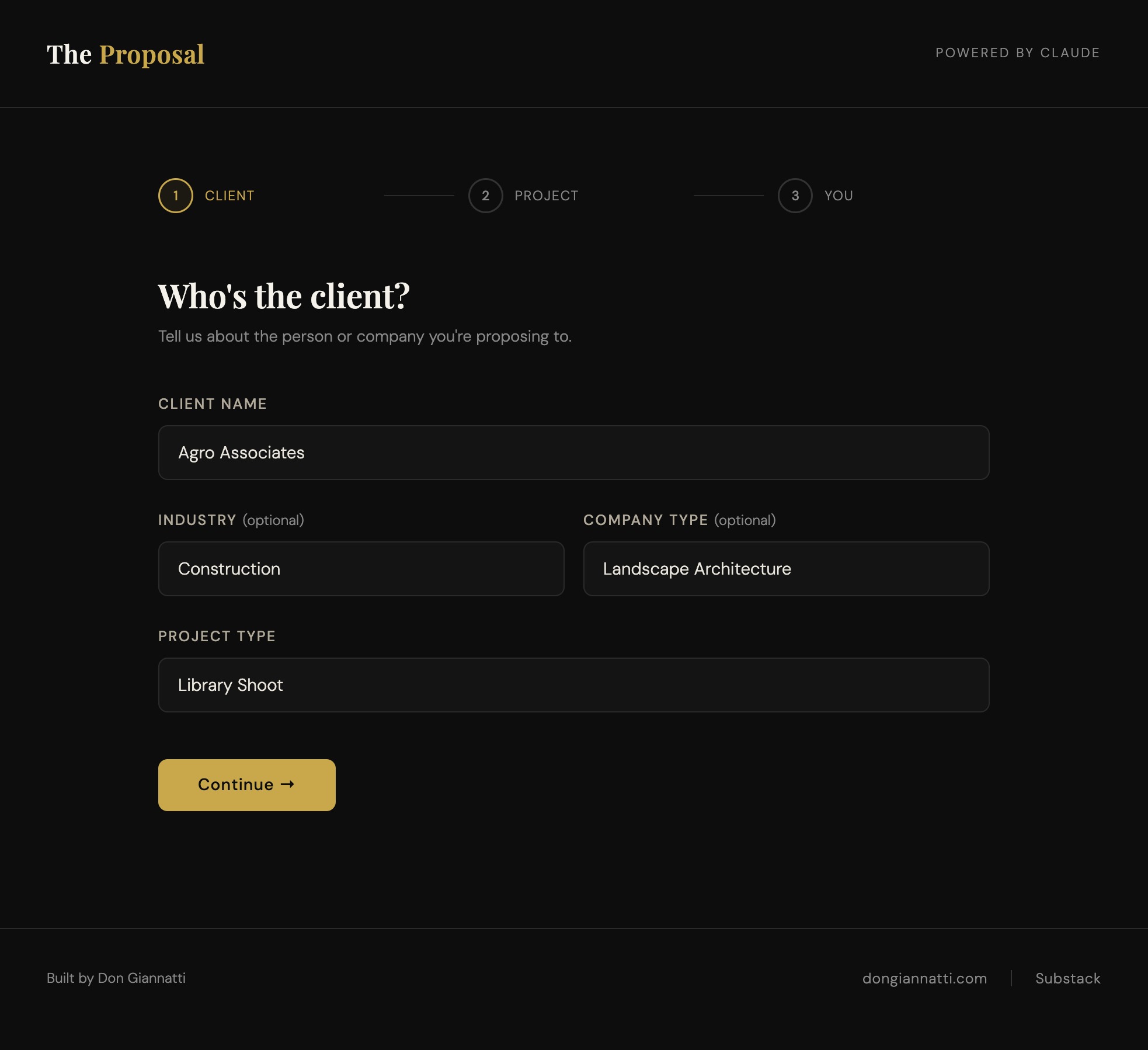
The Proposal
Sure, passive marketing is what we do, right. we post, and post, and comment, and post some more and post and post… Wanna take some control? Start being proactive and send proposals to clients you KNOW can use your work.
NEW
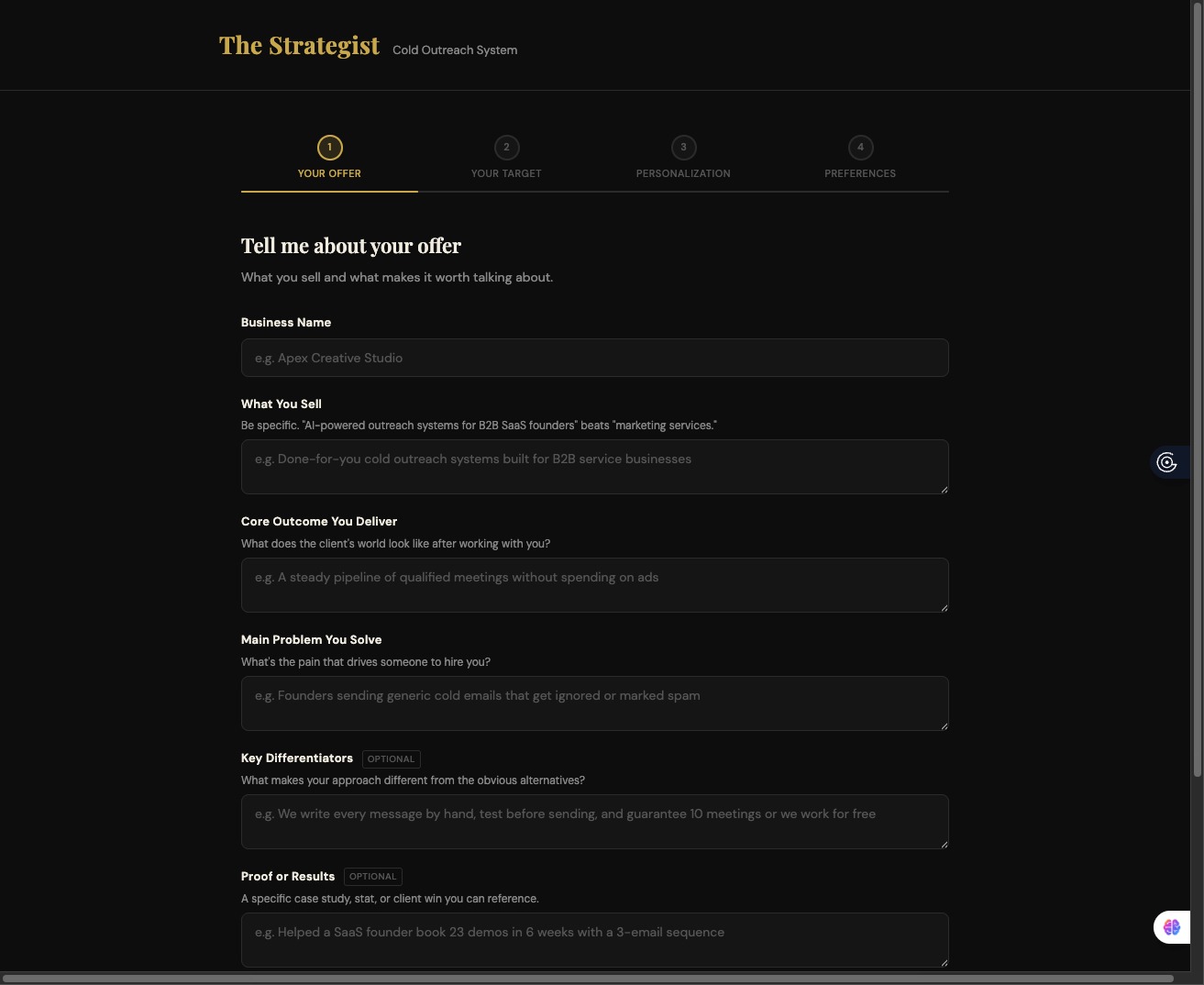
The Strategist
Get the low-down on the best way to approach a client with this mulit-level email campaign. Written for you, just customize and send. Fast, easy, professional.
NEW
Above we have The Strategist, and below we have the Studio Strategy Builder. And you want to know the difference. I understand. I would as well.
The Strategist (above), is a tool that develops a campaign to help you land a specific client.
The Studio Strategy Builder (below), is a tool that helps you develop a strategy for your studio, the base for your offerings.
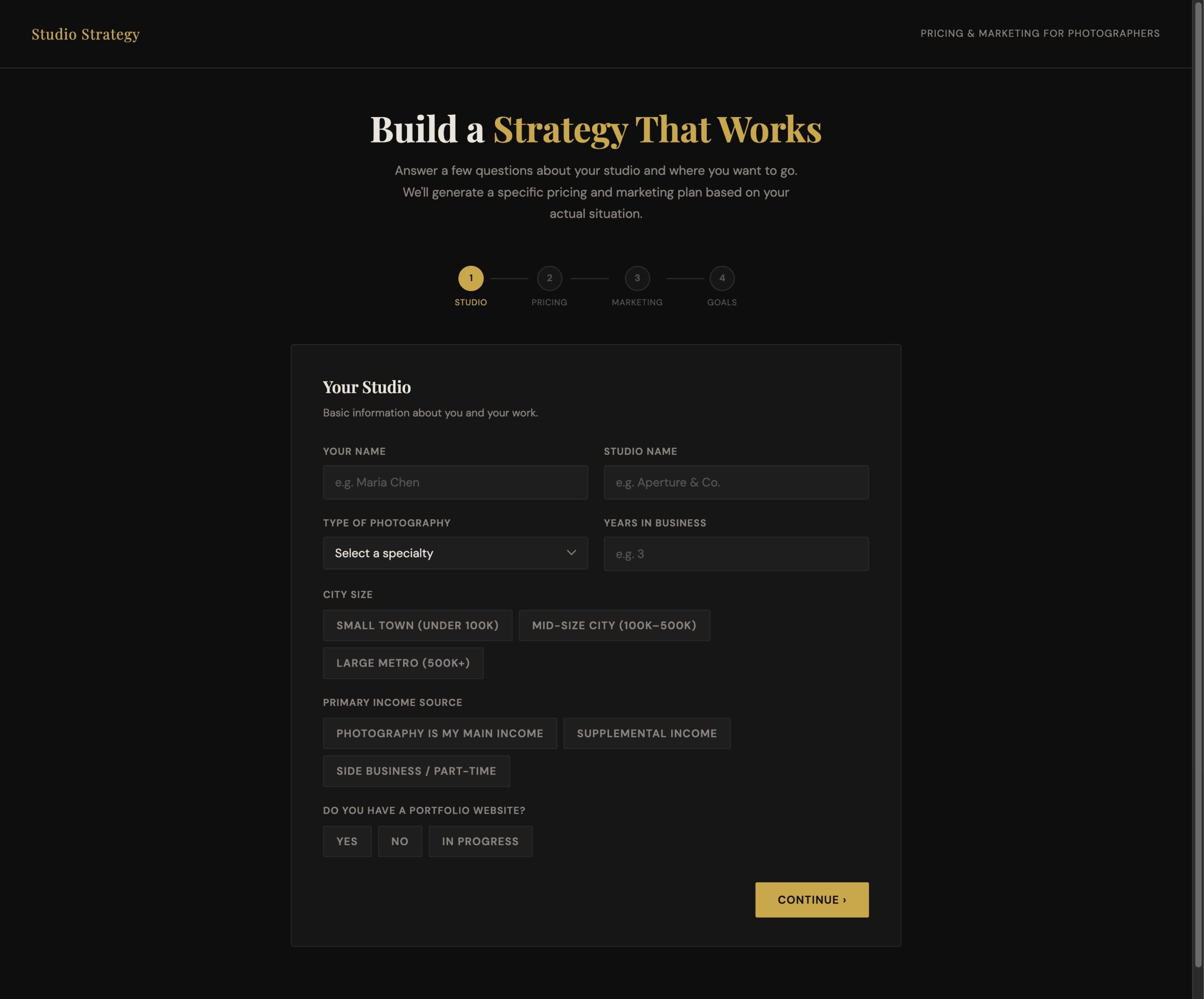
The Studio Strategy Builder
This tool will build a solid plan for your photography and creative business. From basic to advanced, this tool will give you a detailed roadmap. This is a powerful tool.
NEW
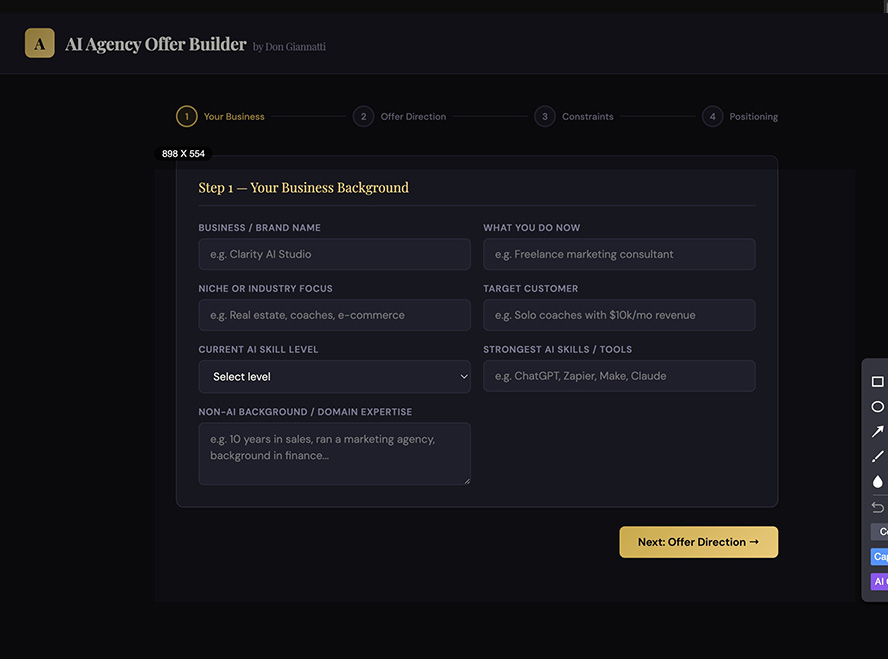
AI Agency Offer Builder
If you are working with AI and have some skills, whether beginner, intermediate, or higher levels, this tool is for you. Utilizing what you already know, and the skills you have built in AI, the tool will help you craft a business that you can start today. Use what you know, and what you are learning to build a whole new side of your business.
NEW
Would you like to learn to code with AI, use an API for a backend, and develop tools that are designed specifically for you and your business?
I will be leading a small group of photographers to do just that this coming May.
Fee will be $299, and you will code and deploy a web page, landing page, and interactive web app. You will need a paid subscription to Claude; all other tools are free at this writing.
> Use Google Stitch to design a landing page.
> Use Claude to code the design, adding your images.
> Use a code editor to make small changes
> Deploy the page
> Design and create an app (client outreach, bidding, your choice)
> Get and use an API from Claude
> Deploy the app at Netlify, and share it online
> How to embed an app or a page into a website.
If you are interested, let me know. I am only gauging interest, no commitment expected.
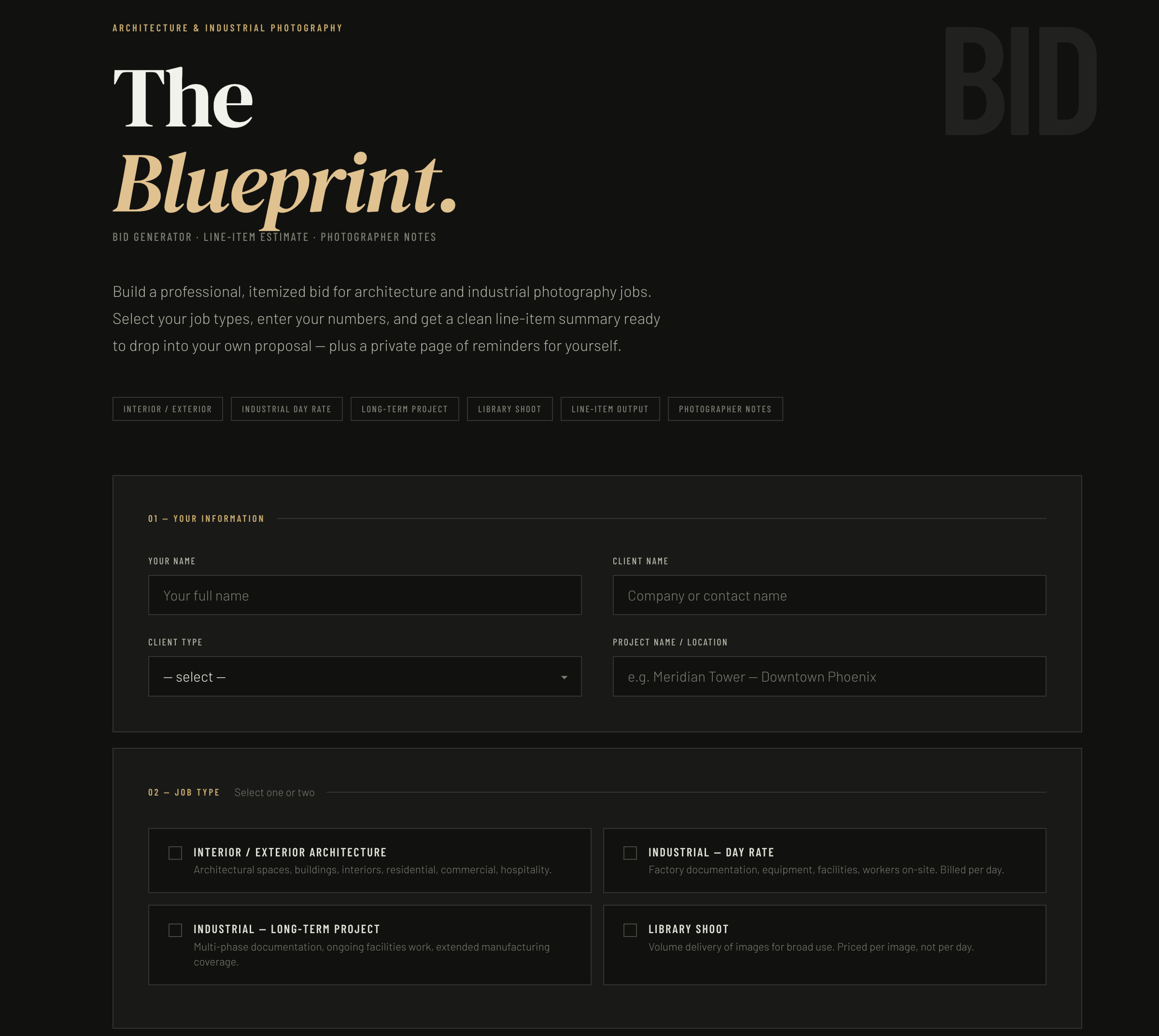
The Blueprint
Are you working in the architecture, interior, or corporate/industrial genre? This is my newest tool to help you put together a bid, and keep yourself sane It will also offer a bit of advice for gig preparation and where your bid stands.
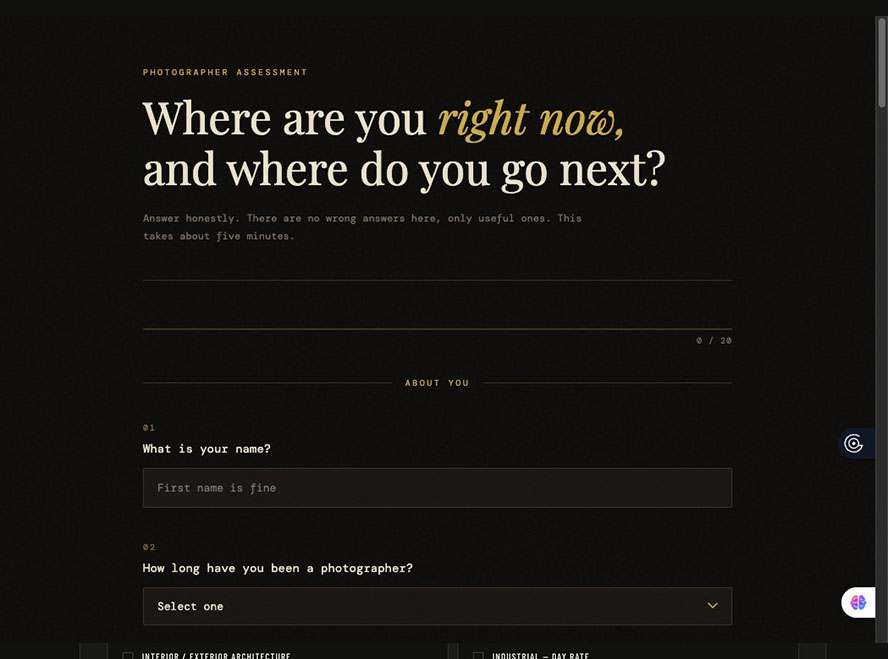
The Assessment
Find out why you feel stuck, and get some next steps to help you get moving again.
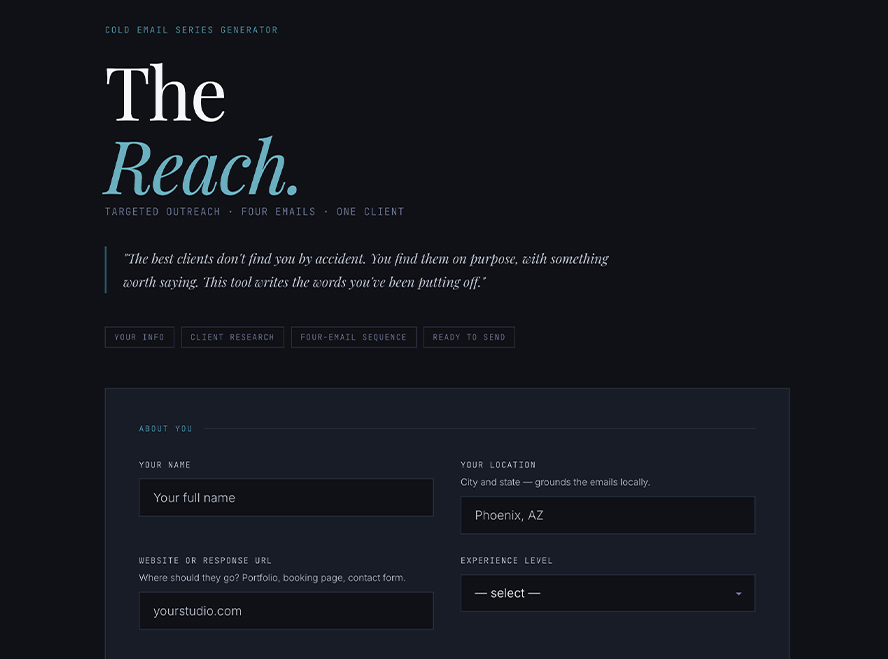
The Reach
Find a client on Perplexity and do a deep dive into what they are doing. Then take that information into The Reach, and it will help you introduce yourself to them with a four-email series. This is top-level stuff.
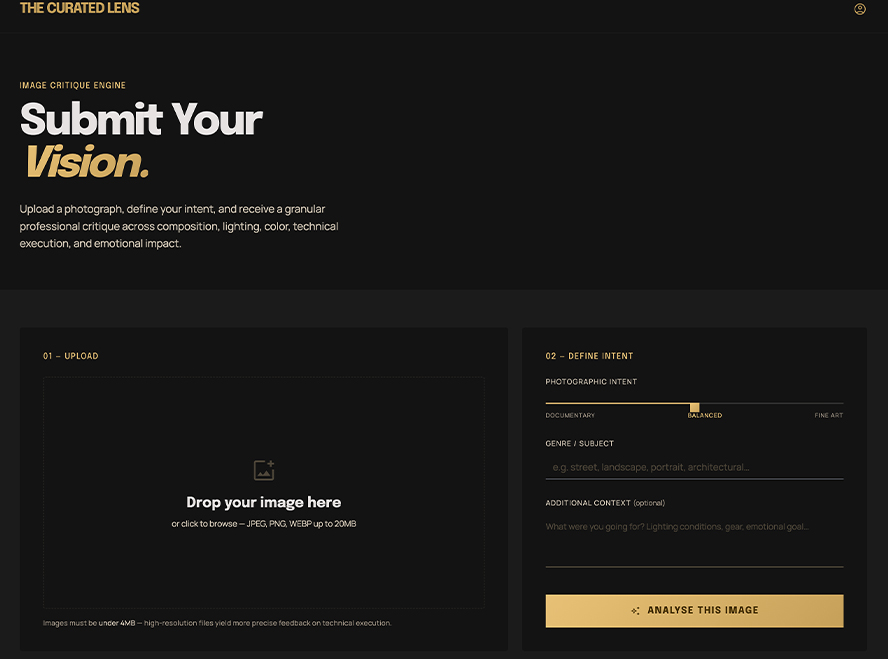
The Curated lens
This is the most detailed and deep image critique you are going to find. I used my own critique style; always find something good because it is there, and then point out how it may be better with some on-point, actionable ideas.
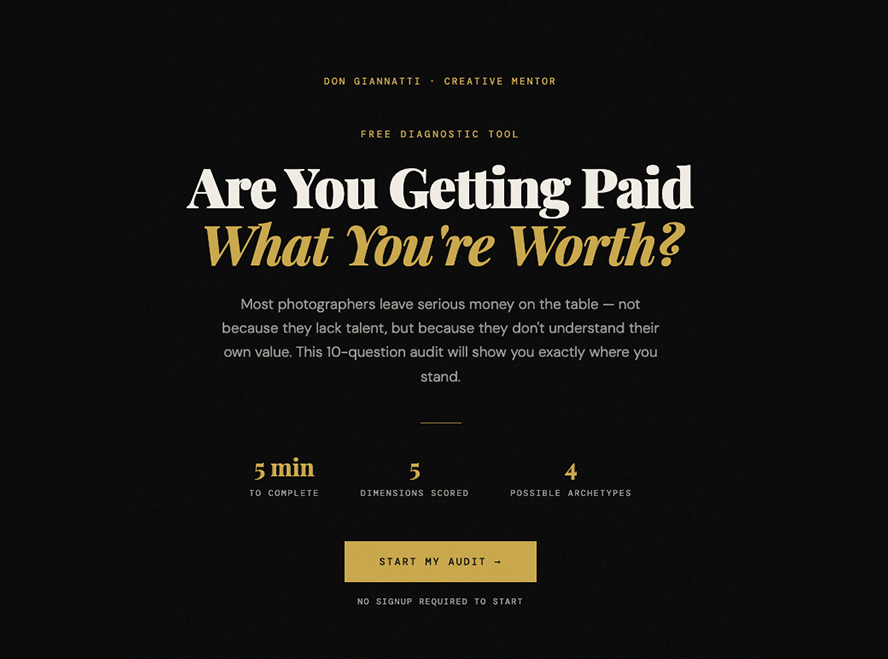
Are You Getting Paid What You Are Worth?
The tool to find out where you are on your journey and if you are leaving piles of money on the table. If you are new to creating work for commerce, start here.
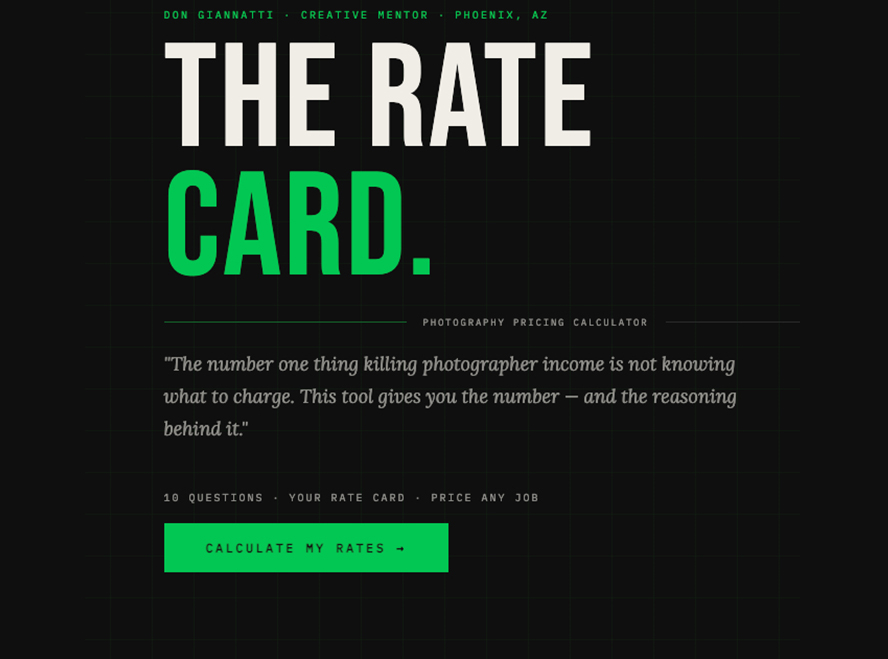
The rate card
Bidding can be a pain, but this tool opens your eyes on how valuable a good bid can be. Set your location, fee structure, and jobs to bid, and it will help you find the numbers you need.
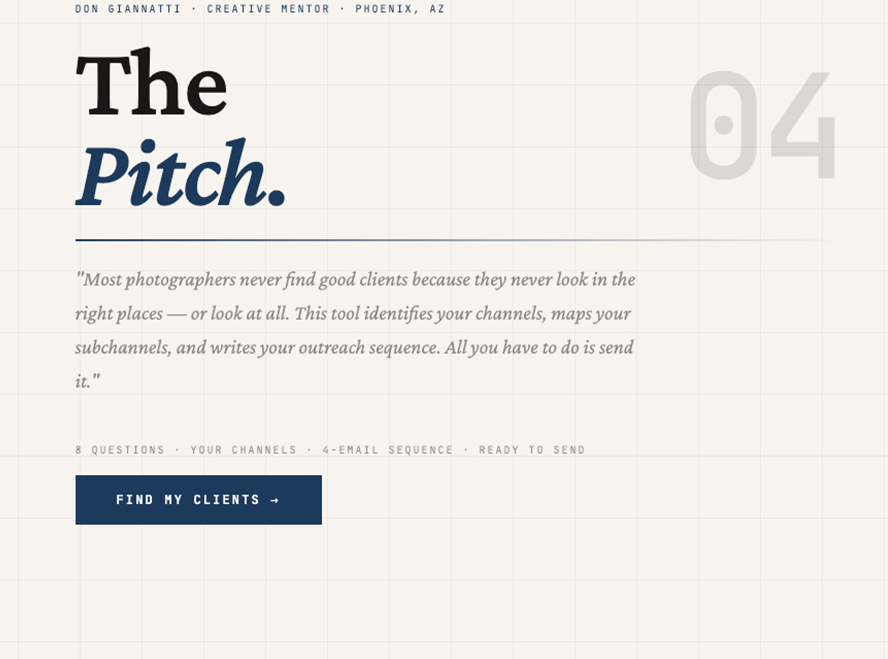
The Pitch
If you don’t know who to shoot for, this tool may help show you four areas that you fit into. These basic channels are the first part of the discovery. Includes a four-email sequence for you to modify and use.
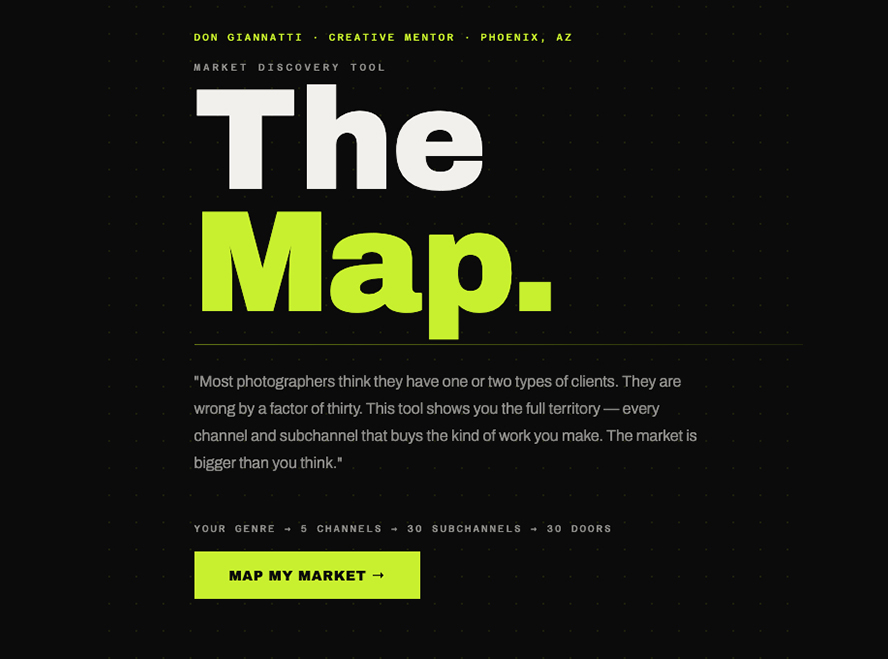
The map
This tool interviews you about your work and your experience, and then creates five main channels that should receive your attention, with a further breakdown to thirty subchannels to give even more clarity. This is the tool I wish I had when I started.
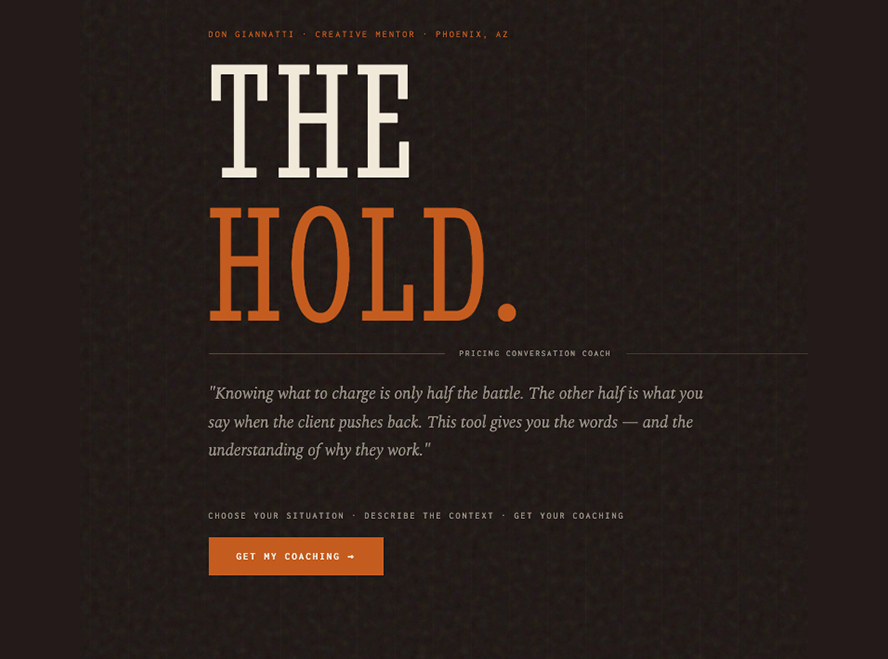
the Hold (a coach on your shoulder)
This tool helps you deal with clients who want to add additional work, scope creep on the job, and pushback on your bids. It’s like having a coach on your keyboard ready to jump in and help you deal with messy clients.
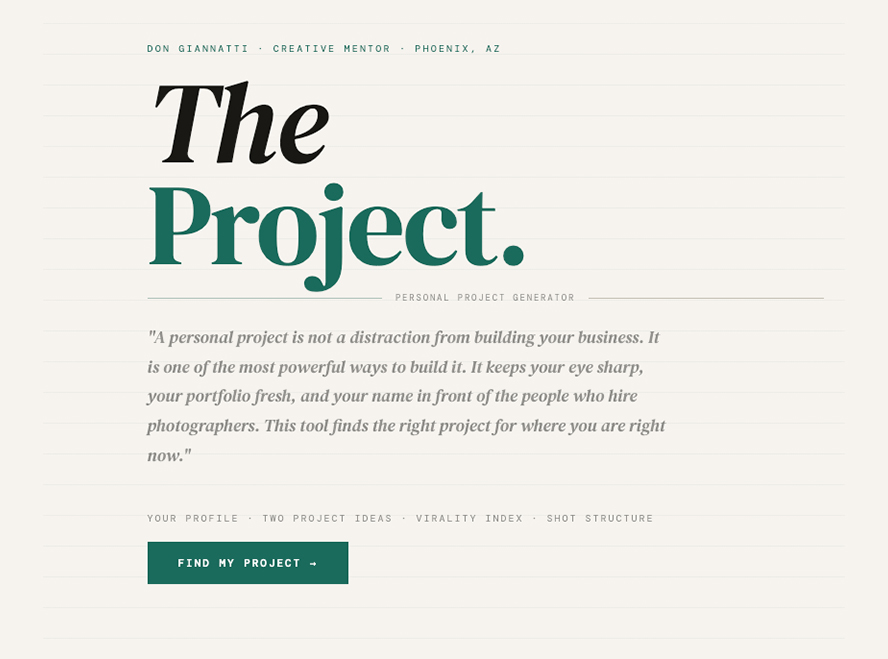
The Project
I think personal projects are one of the best marketing tools we can use. But coming up with one can occasionally be a challenge. This tool will help you identify a couple of projects that may fit your time allotment and budget.
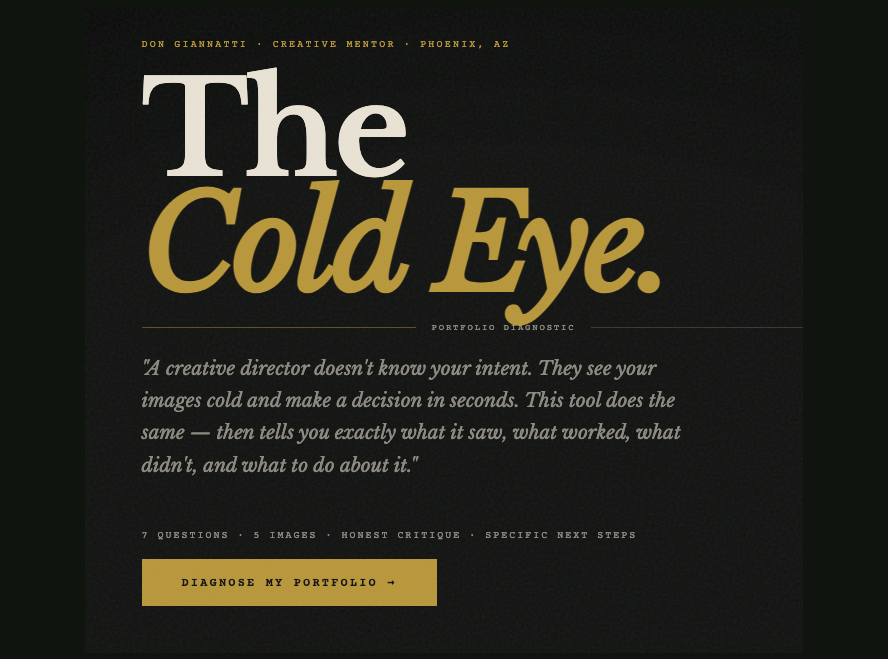
the cold eye
How’s your portfolio?
Upload five of your best, and see what kind of review this tool gives you. It may not be what you expected, or it may validate your already understood position. It isn’t kind or cruel; it just gives you something to think about. No matter what you do, this is good stuff, and we can all learn from a hard critique.
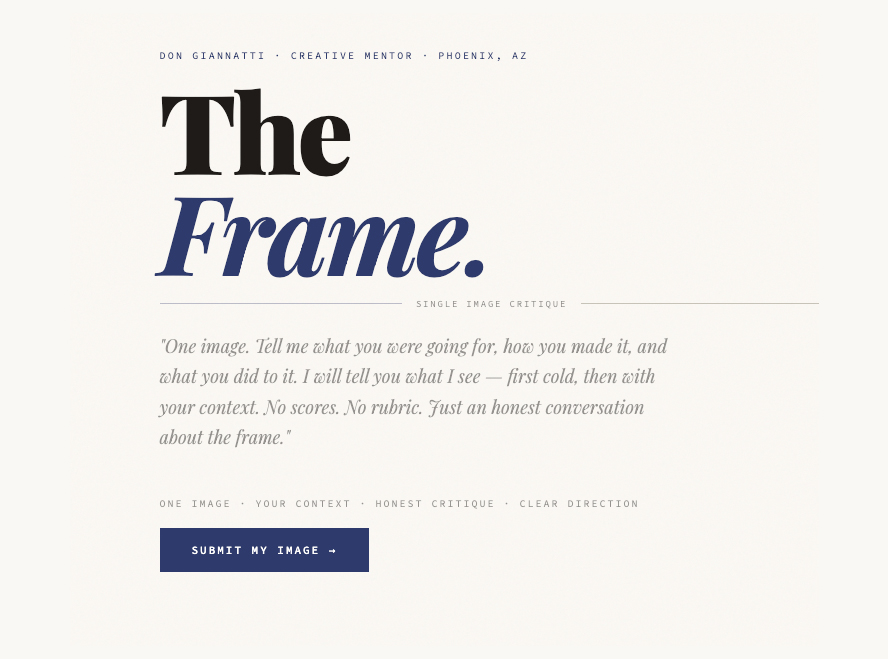
The Frame
Perhaps you don’t want a full portfolio review, just a look at a single image.
The tool interviews you on the why, the goal, and the result and gives you its rating on how you did.
Not the French judge or a cheerleader, just a jaundiced and critical eye on the results.
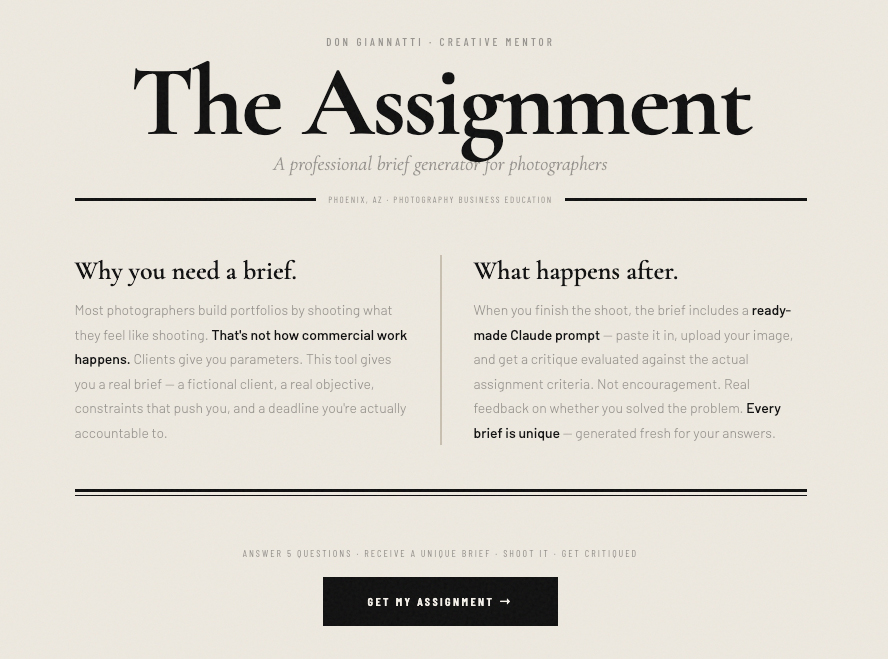
the assignment generator
Need something to dig into?
This tool will generate a professional brief, then evaluate your work after you shoot it. Based on 15 years of teaching commercial photography, I know that having a professional brief – AND a critique that helps you understand whether you hit the mark or not – is a valuable lesson.
Studio
Don Giannatti
28928 N Pamela Dr
San Tan Valley, AZ 85144
Contact
Don Giannatti
(602) 824 2468
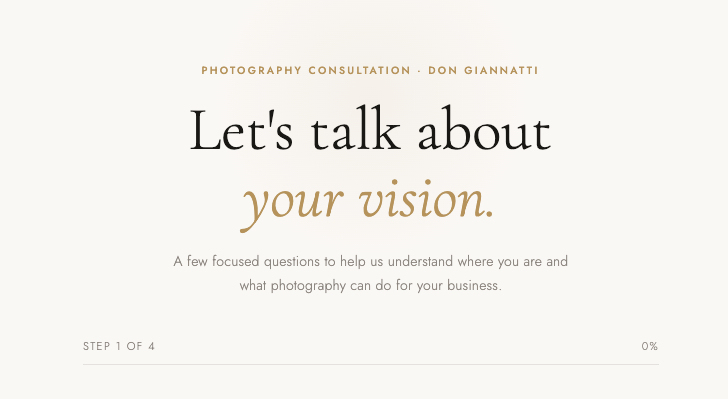
working with me
Find out what I can do for you by taking this interactive quiz. Recommendations and next steps included.