
Module Five-B
Series and Sets
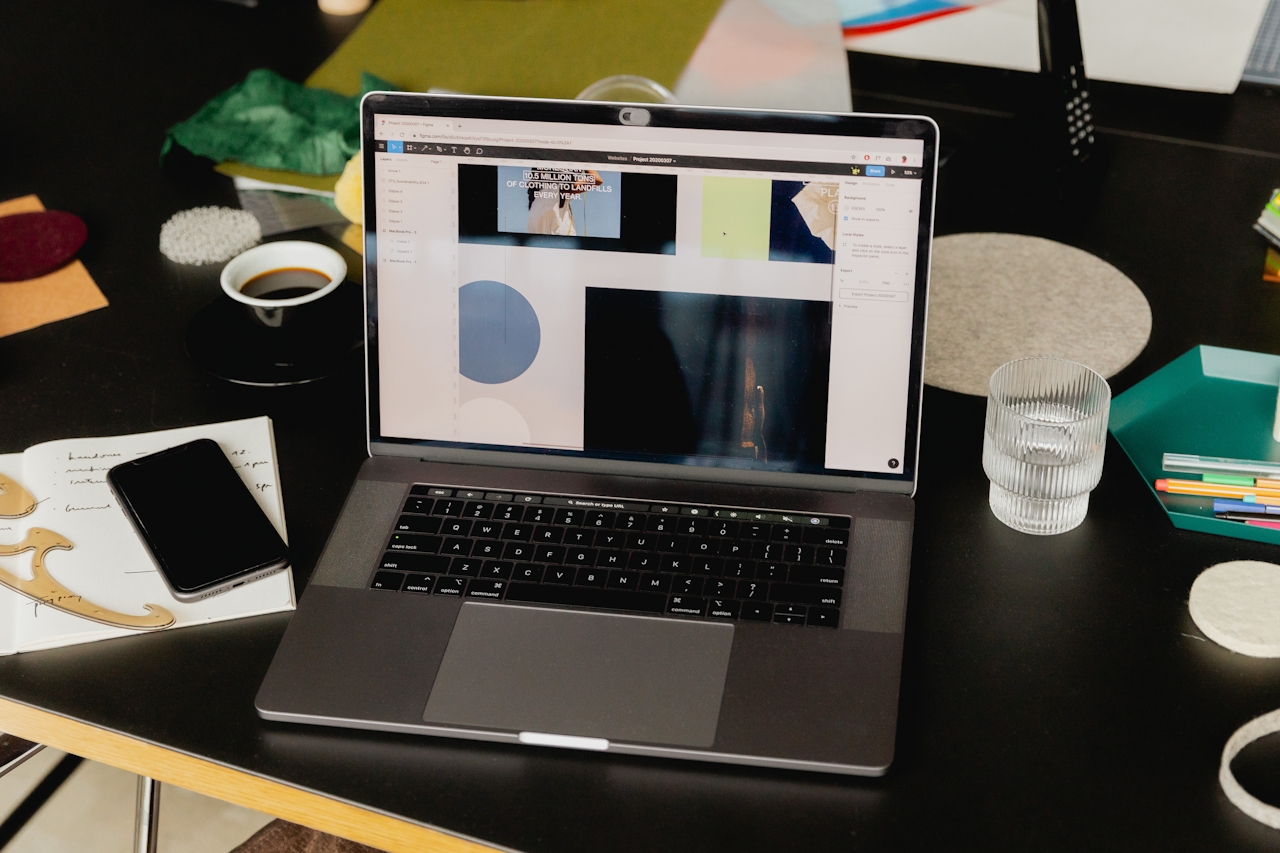
The One-Page Client Landing Page
Think of it like a visual business card that proves capability.
Not fancy.
Just clear.
Section 1: The Opening (Hero)
Top of the page.
Large image.
Strong photograph.
No slideshow.
One image.
Under it:
Headline
Example:
Clean, Professional Food and Product Photography for Local Businesses
Subhead:
Helping restaurants, makers, and small brands create images that sell.
Then:
Location
Phoenix • Mesa • Scottsdale
(or wherever they are)
And one button:
Contact for a Project
That’s the whole top section.
Section 2: Quick Proof
Right below the hero.
Show two small sets.
Example:
Pizza Set
4 images
Product Set
4 images
Immediately the viewer sees:
“Oh… this person can shoot a project.”
Not just a single lucky image.
Section: 3 What You Shoot
Keep this simple.
Three lanes max.
Example:
Food Photography
Menus, social media, advertising
Product Photography
Ecommerce, catalogs, marketing
Brand / Lifestyle Images
Business websites and social content
This tells the client what problems you solve.
Section 4: A Short About
Not a life story.
Just credibility.
Example:
I’m a Phoenix-based commercial photographer specializing in food and product photography for small businesses. I work with restaurants, makers, and brands that need clean, professional images for advertising, websites, and social media.
Studio or on-location.
Fast. Simple. Professional.
Section 5: Another Set or Series
Now show one more tight project.
Example:
Breakfast Series
5 images.
This reinforces the idea that you shoot assignments, not random pictures.
Section 6: Contact
Make it easy.
Name
Email
Phone (optional)
Or just:
Email: hello@yourname.com
And a button:
Start a Project
Why This Works
This format answers every question a client has:
Can they shoot my kind of work?
Yes — the sets prove it.
Are they local?
Yes — location is clear.
Do they understand business needs?
Yes — the copy says so.
Can I contact them easily?
Yes — the contact section is obvious.
No digging.
No confusion.
The Biggest Website Mistake Photographers Make
They try to look big.
Multiple galleries.
Fancy menus.
20 categories.
Clients don’t care.
Clients want to know:
- Can you shoot this?
- Are you nearby?
- Are you professional?
Done.
Ideal Number of Images
For this landing page:
12–18 images total
That’s plenty.
Photographers always think they need more.
They don’t.
Platforms That Work Well
Students can build this easily on:
• Squarespace
• Wix
• Webflow
• Format
• Adobe Portfolio
No coding needed.
One Final Rule
This:
Your website is not your museum.
It’s your sales tool.
It should make a client comfortable enough to send the email.
That’s the entire job.
The Weekend Portfolio Build
From Nothing to a Real Client Page in Two Days
The purpose of this exercise is not to create a masterpiece portfolio.
The purpose is to create a working commercial presence.
Something you can send in an email that says:
“Here’s the type of work I do.”
Done.
The Target
By Sunday night students should have:
• 12–18 strong images
• 2 sets
• 1 small series
• A simple one-page website
That’s enough to start contacting clients.
Saturday Morning
Choose the Subjects
Students pick two simple subjects they already have access to.
Examples:
Food:
• Pizza
• Sandwich
• Pancakes
• Coffee drink
• Cookies
Product:
• Coffee mug
• Kitchen knife
• Bottle
• Watch
• Skincare item
• Small appliance
Nothing fancy.
The goal is practice and proof, not luxury products.
Saturday Midday
Shoot the First Set
One subject.
Five images.
Required shots:
-
Hero shot
-
Overhead shot
-
Detail shot
-
Negative space version
-
Alternate angle
Lighting should stay consistent.
Think like a client:
“What images would help someone market this product?”
Saturday Afternoon
Shoot the Second Set
Different subject.
Same process.
Five images again.
Same lighting style if possible.
This starts to build visual consistency.
Sunday Morning
Shoot a Simple Series
Now photograph three different items using the same visual style.
Example series ideas:
Breakfast Series
• Pancakes
• Coffee
• Croissant
Kitchen Series
• Coffee mug
• French press
• Coffee beans
Bottle Series
• Olive oil
• Vinegar
• Wine bottle
The key rule:
Same lighting.
Same background.
Same mood.
Now it feels like a project.
Sunday Afternoon
Select the Images
Students should pick:
2 sets
5 images each
1 series
3–5 images
Total:
13–15 images
That’s enough.
Resist the temptation to include everything.
Commercial work rewards clarity and editing.
Sunday Evening
Build the Landing Page
Structure:
Top Section
Strong hero image.
Headline:
Food & Product Photography for Local Businesses
Short line:
Helping restaurants and brands create clean, professional marketing images.
Section Two
Set #1
4–5 images
Section Three
Set #2
4–5 images
Section Four
Series
3–5 images
Section Five
Short introduction.
Example:
I’m a local commercial photographer specializing in food and product photography for small businesses. I create clean, professional images for websites, advertising, and social media.
Section Six
Contact.
Email.
Done.
What Students Learn
This exercise teaches them several things very quickly:
1. How commercial photographers think
Coverage, not lucky shots.
2. Editing discipline
Choosing the strongest images.
3. Project thinking
Sets and series instead of random pictures.
4. Momentum
They now have a website they can send to clients.
That’s huge.
The Mindset Shift
Tell them this:
You are not building the perfect portfolio.
You are building the first version of your working portfolio.
That portfolio will evolve.
But it must exist first.
The Confidence Moment
The real win happens when they send their first email and say:
“Here’s the kind of work I do.”
Instead of:
“I’m trying to build a portfolio.”
Clients hire photographers.
Not photographers-in-progress.