
Module Six
Conversation to Assignment

Upload
|
Upload files
|
|
|
|
|
|
|



|
|
Image Size: 1200 pixels on long side
IMPORTANT: IMAGE FILE NAME
SH-first-last-module-#
(Like this: SH-don-giannatti-module-1)
Course Details
What This Module Is About
Up to this point you’ve done the hard work most photographers never do.
You defined a lane.
You built a working portfolio.
You started reaching out to potential clients.
Now something important starts happening.
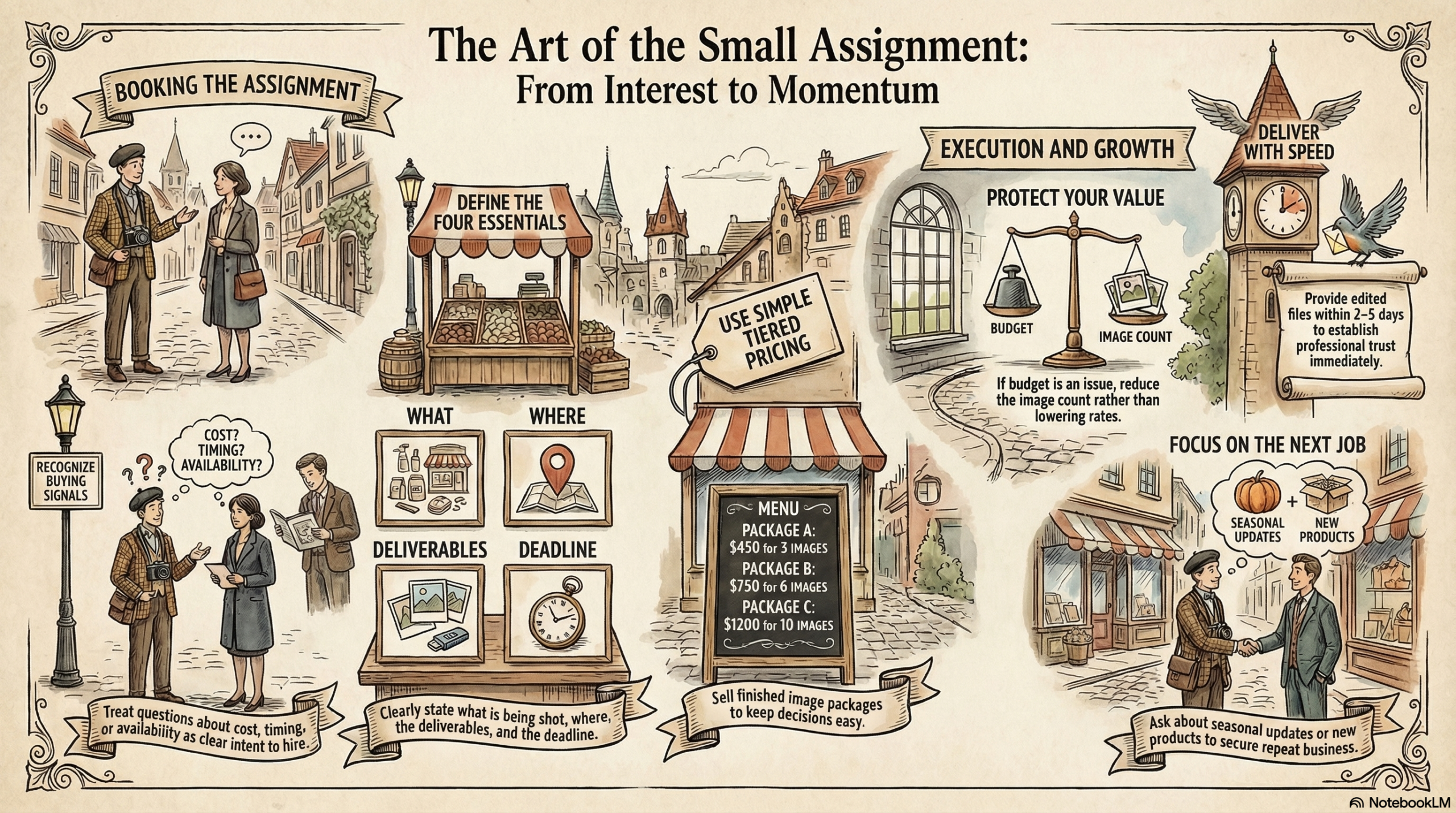
You’ve done the base work:
Now something important starts happening.
People reply.
They ask questions.
They show interest.
They wonder what working with you might look like.
This is where we can freeze
We worry about pricing.
We worry about saying the wrong thing.
We worry they aren’t ready.
The truth is simple:
Small commercial assignments are not complicated productions.
They are simply clear problems that need clear photographs.
This module will show you how to recognize real opportunities, shape them into small assignments, and deliver work that makes clients want to hire you again.
The goal is not a huge job.
The goal is momentum.
What You Will Learn
By the end of this module you will know how to:
• Recognize when a conversation is turning into a potential job
• Turn interest into a clearly defined project
• Scope a small commercial assignment
• Price small jobs with confidence
• Run a simple, professional shoot
• Turn one assignment into future opportunities
The outcome of this module is simple:
Book and complete your first small commercial assignment.
The Reality of First Assignments
Most photographers imagine their first job as a big production.
Crew.
Stylist.
Lighting trucks.
That’s not how your career starts.
Your first assignments will likely look more like this:
• A restaurant needs five images for a menu update
• A small manufacturer needs product photos for their website
• A local shop needs new images for social media
• A business owner needs environmental photos of their space
These are not glamorous.
But they are real commercial works.
And they lead to more work.
1. Recognizing Buying Signals
Many photographers miss opportunities because they don’t recognize when someone is actually interested.
When a potential client says things like:
• “What would something like that cost?”
• “How long does a shoot take?”
• “Could you photograph our new products?”
• “Do you have availability next week?”
Those are not casual questions.
Those are buying signals.
Your job is to move the conversation forward.
Instead of saying:
“Let me think about it.”
Say:
“Great. Let’s figure out what you need.”
That small shift changes everything.
2. Shaping a Simple Assignment
Small commercial jobs work best when they are clearly defined.
Every project should answer four questions.
a. What are we photographing?
Example:
“Five pizza images for a magazine ad and social media.”
b. Where will the shoot happen?
• At the restaurant
• In your home studio
• On a small tabletop setup
c. What will be delivered?
Example:
• 5 edited images
• high-resolution files
• web-ready versions
d. When are the images needed?
Clear expectations prevent confusion.
And confusion is what kills small jobs.
3. Pricing Small Assignments
At this stage, you are not building complicated estimates.
You are selling finished images.
Simple structures work best.
Examples:
• 3 images — $450
• 5 images — $750
• 8 images — $1,100
Clients understand images.
They do not understand complicated pricing models.
Keep it simple.
Keep it confident.
4. Handling the Budget Objection
Sooner or later you will hear this:
“We don’t have the budget right now.”
This is normal.
Do not apologize.
Do not lower your rate.
Instead, adjust the scope.
Example response:
“Totally understand. We could start smaller—perhaps two or three images—and still create something strong for your marketing.”
Notice what happened.
The project became smaller.
Your value did not.
5. Running a Simple Shoot
A small commercial shoot should be organized and efficient.
Before the shoot:
• confirm the shot list
• confirm schedule
• confirm deliverables
• confirm price
During the shoot:
• stay organized
• show the client previews when possible
• shoot a few extra variations
After the shoot:
• edit quickly
• deliver within 2–5 days
• send the invoice
Speed and professionalism build trust.
6. Turning One Job Into More
The first job is not the real win.
The real win is what comes next.
After delivering the images, ask questions like:
• “Do you update your menu seasonally?”
• “Do you launch new products during the year?”
• “Would it help to refresh these images every few months?”
These conversations create ongoing relationships.
Commercial photography is built on repeat clients.
Assignment for This Module
Your task is simple.
Identify three warm prospects from your outreach list.
These should be people who:
• responded to your message
• showed interest in your work
• asked questions about pricing or availability
Then propose a small, clear project.
Example:
“I’d love to photograph three of your best-selling dishes for social media and advertising. We could create a small set of images you can use for several months.”
Your goal:
Book your first shoot.
See Part B for more info.
Coversation to Client
A Kick In the Pants.
Most photographers wait too long.
They keep studying.
They keep refining their portfolio.
They keep preparing.
Eventually preparation becomes avoidance.
At some point you have to step forward.
Small assignments build experience.
Experience builds confidence.
Confidence builds a career.
Let’s get your first one booked.
Important: The Three Mistakes Photographers Make on Their First Paid Job
Your first assignment is exciting.
Someone is paying you.
You’re finally doing real commercial work.
You want everything to be perfect.
Ironically, that excitement is exactly what causes the most common mistakes.
After watching hundreds of photographers step into their first commercial job, I can tell you that the problems are rarely technical.
They’re behavioral.
Let’s look at the three that show up over and over again.
Mistake #1
Overcomplicating the Shoot
Many photographers believe they need to prove themselves on the first job.
So they bring too much gear.
Too many lighting ideas.
Too many experimental concepts.
Instead of shooting the five images the client asked for, they try to create a full portfolio production.
That usually leads to stress, confusion, and a slower shoot.
Your first job should be simple.
If the client asked for five images, focus on delivering five strong images.
Not fifteen.
Not thirty.
Commercial work rewards clarity and efficiency, not creative chaos.
Remember:
Clients rarely complain about simplicity.
They do complain about delays and confusion.
Mistake #2
Trying to Impress Instead of Solve
This one is subtle.
New photographers often try to impress the client with their creativity.
But clients are rarely looking for a performance.
They’re looking for a solution.
A restaurant owner doesn’t need to watch you build a complicated lighting rig.
They need images that make their food look great.
A small manufacturer doesn’t need to hear about lighting ratios and modifiers.
They need clean product photos that help them sell.
The shift is simple but powerful.
Stop asking:
“How do I impress this client?”
Start asking:
“How do I make this easy for them?”
The photographers who focus on solving problems become the ones clients call again.
Mistake #3
Disappearing After Delivery
This might be the most expensive mistake of all.
Many photographers deliver the images and then… vanish.
No follow-up.
No conversation.
No relationship.
Commercial photography is built on repeat work.
Restaurants change menus.
Companies release new products.
Businesses update marketing materials constantly.
One assignment should lead to the next.
A simple follow-up message can make the difference.
Something as straightforward as:
“Let me know if you ever need seasonal updates or new products photographed.”
You’re not pushing.
You’re reminding them that you exist.
And that matters.
-
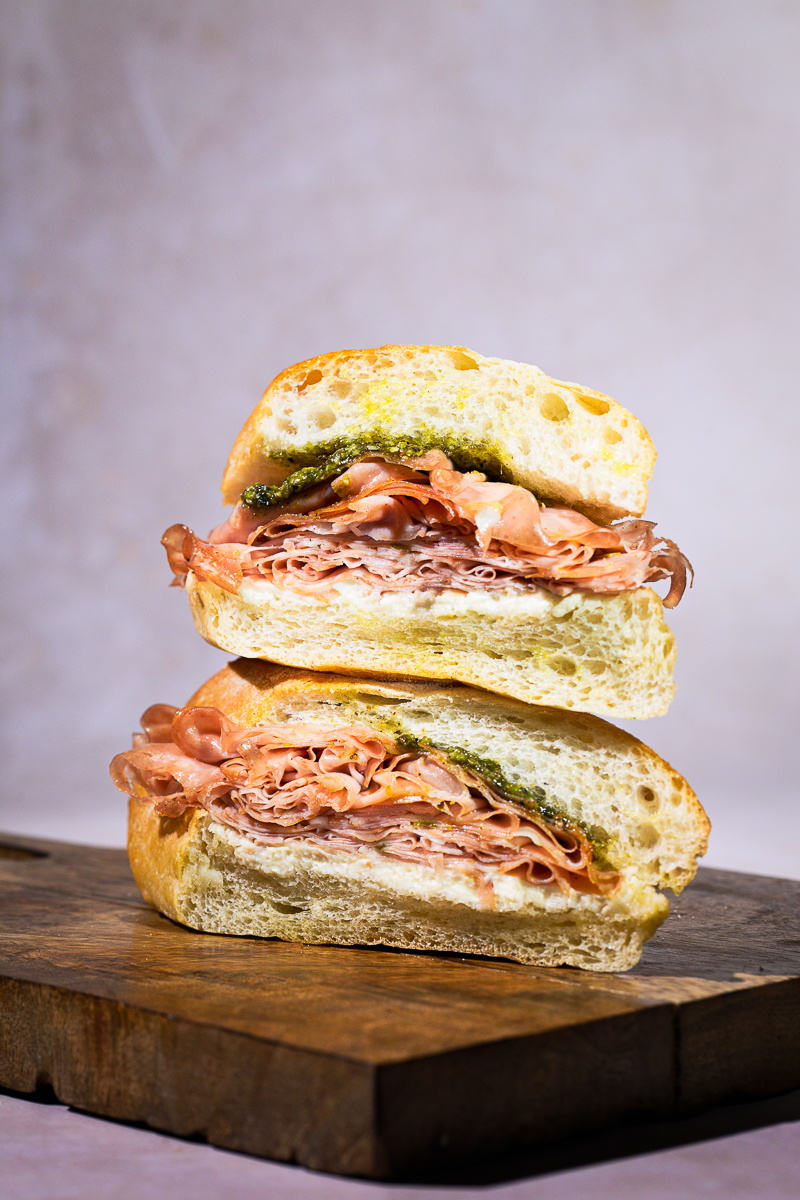
- www.LUCIANARIZZIPHOTOGRAPHY.COM
-
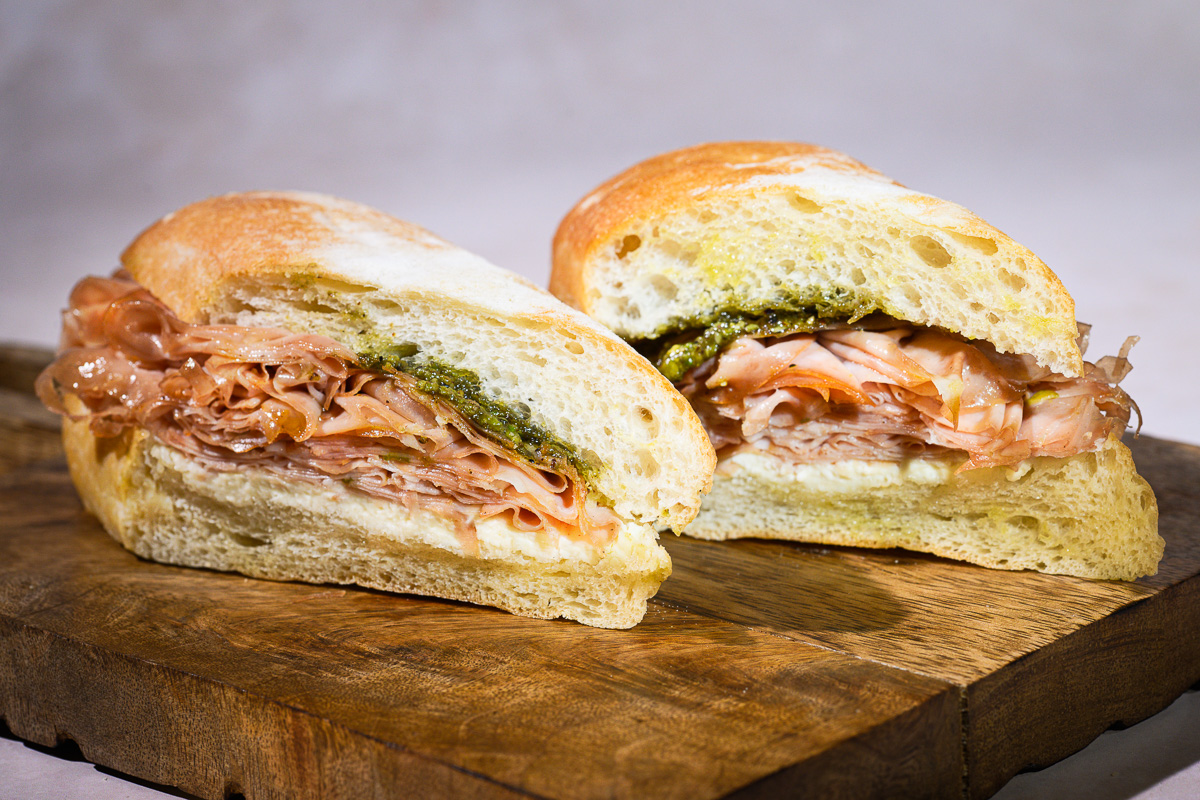
- www.LUCIANARIZZIPHOTOGRAPHY.COM
-
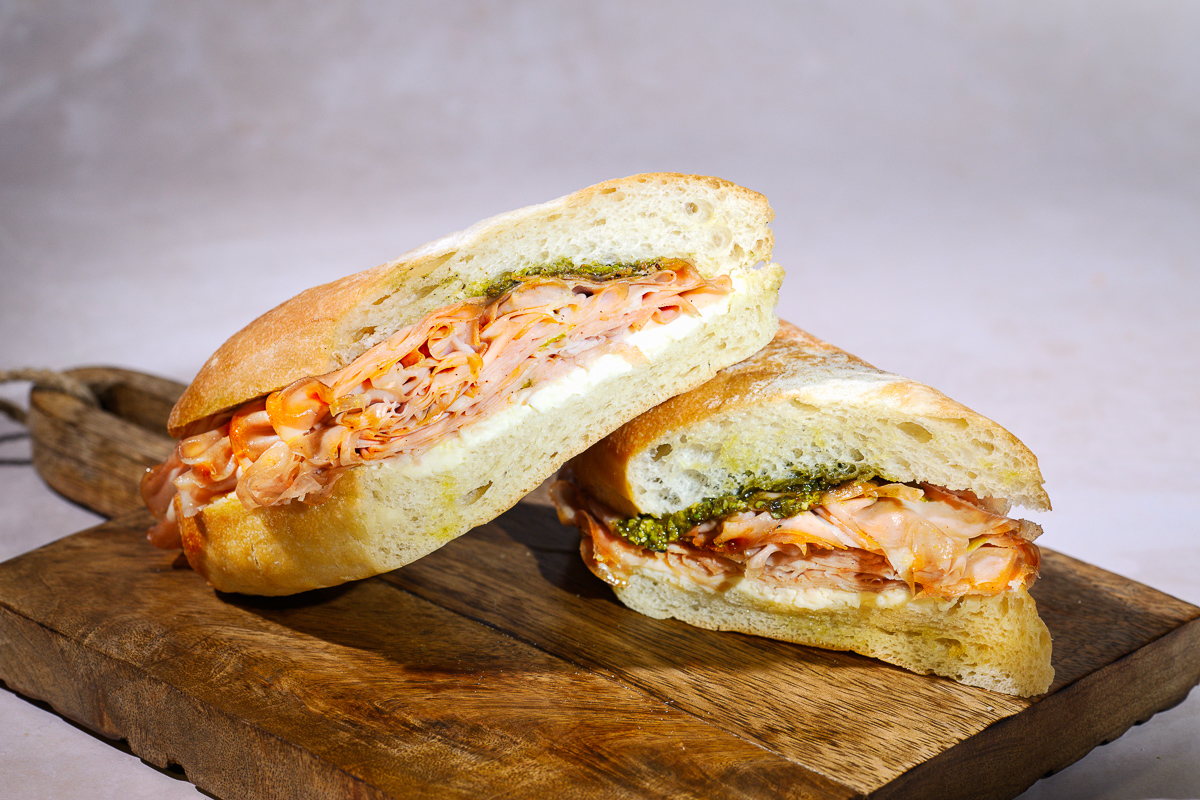
- www.LUCIANARIZZIPHOTOGRAPHY.COM
-
- www.LUCIANARIZZIPHOTOGRAPHY.COM
-
- www.LUCIANARIZZIPHOTOGRAPHY.COM
-
- www.LUCIANARIZZIPHOTOGRAPHY.COM



TUESDAY CLASS


Your content goes here. Edit or remove this text inline or in the module Content settings. You can also style every aspect of this content in the module Design settings and even apply custom CSS to this text in the module Advanced settings.
Notes
Quick recap
The meeting focused on photography business development and client outreach strategies. Don provided guidance on using various AI tools including the “cold eye” tool for portfolio analysis and the “blueprint” tool for architectural photography bidding. The group discussed techniques for background replacement using Adobe Firefly and Photoshop, with Brian sharing his experience creating generative backgrounds for product photography. Don emphasized the importance of persistent client visibility, recommending photographers send 3 emails per day to maintain consistent contact rather than focusing solely on immediate job acquisition. The discussion included practical advice on follow-up strategies, using Perplexity for market research, and setting up proper email templates through Google Workspace. Don also addressed pricing strategies, suggesting flat-rate packages for e-commerce photography and the use of calculators to reduce client friction in the quoting process.
Next steps
- Don: Put the “cold eye” tool link and related tools on Module 6 page for group access.
- Don: Develop a new bidding tool for product and food photography (similar to the architecture blueprint) to allow easier bid generation without repeating rate card steps.
- Don: Find and send Luciana the link about the “string method” for exposure.
- Don: Post Judy’s before/after web page example in the group chat and ensure it’s accessible to all.
- Becky: Follow up with the winery client in about a month, adding value (e.g., sending new wine bottle images with different backgrounds) rather than just “checking in.”
- All participants: Send 2 really good portfolio shots (or a series of 3) for next week’s meeting, focusing on quality for use in emails or printed leave-behinds.
- Matthew: Use the “view page source” method to extract email addresses from restaurant contact forms when direct email is not provided.
- Bryan: Change Gmail settings so that replies to emails sent to his domain (bryan@bryanlawler.com) come from that address, not from Gmail.
- Bryan: Contact Squarespace to inquire about moving his mail account to his domain for proper email handling.
- All participants: Log all client interactions in their CRM/Google Sheet to track outreach and follow-ups.
- All participants: Prepare for next week’s discussion by considering questions about leave behinds and mailers.
- Don: Fix the timing issue on the meeting page to ensure correct meeting time is displayed for next session.
Summary
Photography Business Tools Introduction
Don introduced several photography business tools available on his website, including the “cold eye” tool for portfolio analysis and the “blueprint” for architectural photography bidding. Bryan inquired about using the blueprint tool for product photography, and Don agreed to develop a similar tool for product and food photography. Don also announced an upcoming 6-week coding class in May for $300, which will teach website design and development using AI tools.
AI-Generated Product Photography Discussion
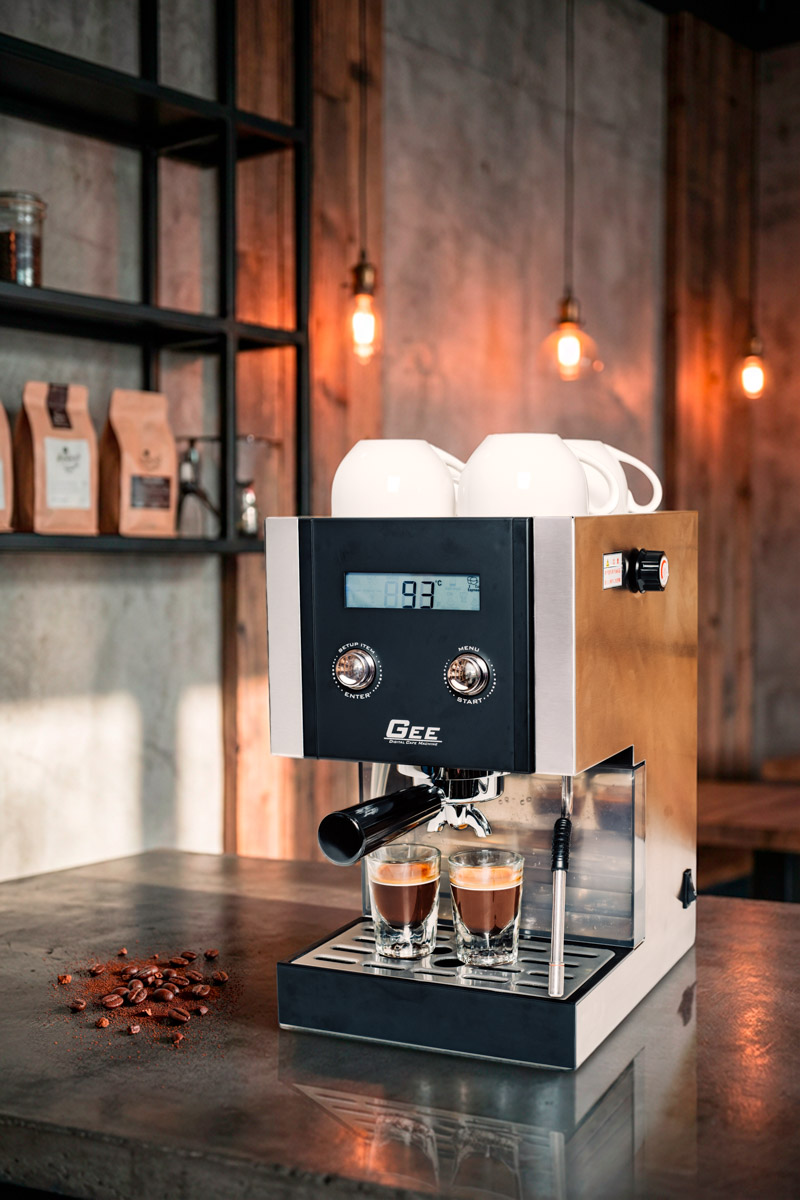
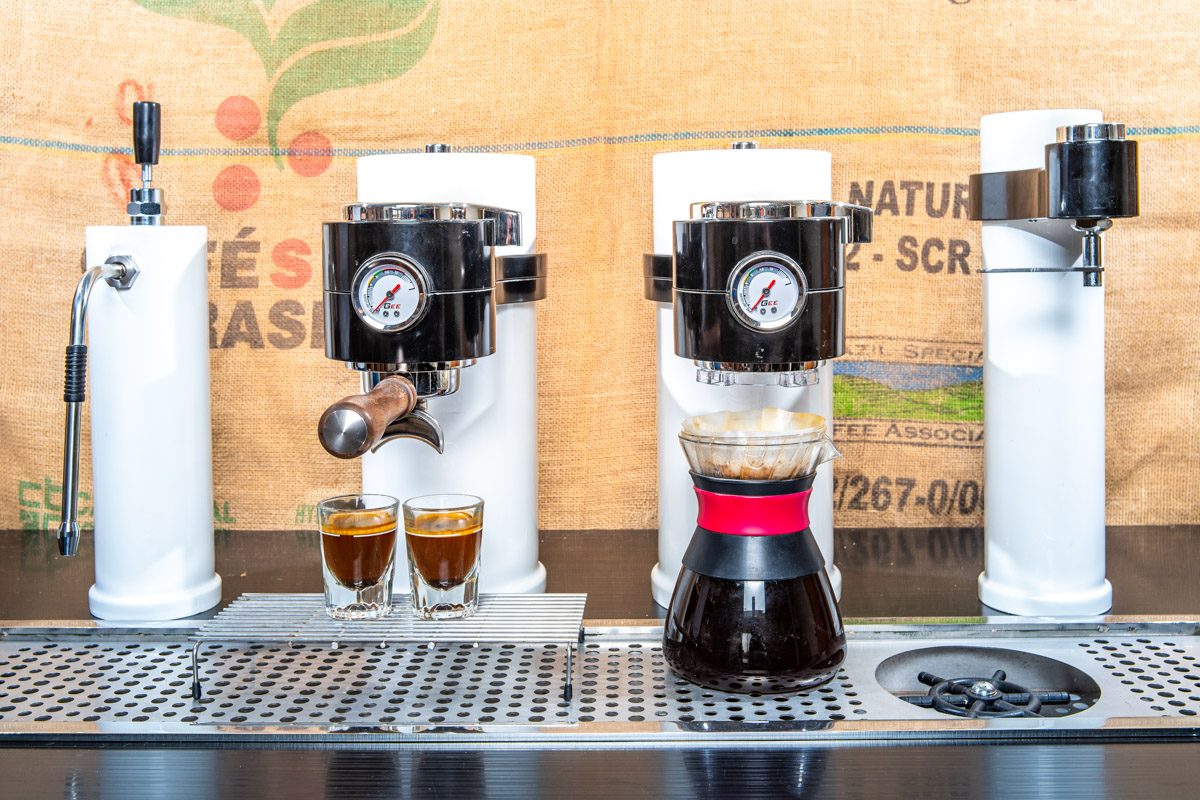
Bryan presented photos of a coffee machine prototype, demonstrating how he used Adobe Firefly in Photoshop to generate realistic backgrounds for the images. Don provided guidance on the legal considerations of using AI-generated backgrounds in commercial work, explaining that while Adobe Firefly images are licensed, there are still uncertainties around copyright and potential future legal issues. The discussion concluded with Don advising on proper photography techniques for product shots, recommending that Bryan would have gotten better results by shooting each unit separately and positioning them correctly in the frame.
Photography Techniques and Student Updates
Don reviewed photography work with students, providing feedback on lighting, exposure, and background techniques. He explained the proper exposure balance between foreground and background elements, noting that backgrounds should be no more than 2/3 stops overexposed to avoid flare. The class discussed the string method for determining proper exposure, which Don demonstrated using inverse square law principles. Several students reported on their progress with finding photography gigs, with Becky in negotiations with three potential clients and Gizmo securing some custom food photography work for a local baker. Bryan shared that while he recently completed a ministry-related photography project in Taiwan, he is currently focused on preparing for his move back to America in 60 days and has built a list of 27 potential clients for when he returns.
Photo Editing and Client Strategies
Don and the team discussed photo editing techniques and client engagement strategies. Don suggested using Firefly for background replacement and recommended checking Judy’s website for before-and-after photo examples. The group explored tools like WordPress plugins for client presentations, though these may not be available on platforms like Squarespace or Adobe. Don emphasized the importance of persistent visibility with clients, advising the team to focus on sending regular emails (3 per day) as a goal, rather than immediately seeking job responses, as silence from clients often indicates timing or budget constraints rather than rejection.
Client Outreach Strategy Guidelines
Don advised the group on client outreach strategies, emphasizing the importance of maintaining consistent contact without being annoying. He recommended a follow-up approach that adds value rather than just checking in, suggesting to send new images or different backgrounds to existing prospects. Don also outlined a 60-minute daily architecture for client outreach, consisting of 30 minutes for finding clients and 20 minutes for follow-up, which he noted occasionally runs over to about an hour and twenty minutes.
Winery Campaign Strategy Proposal
Don proposed a new campaign idea for a local winery in Salado, Texas, suggesting they shoot four wines at different picturesque locations around town for social media posts. He demonstrated how to use Perplexity AI to research the winery and suggested creating content that highlights interesting facts about the business, such as its veteran ownership or popular wine varieties. Don emphasized the importance of clearly mapping out projects, including timeline and costs, and using Perplexity as a research tool to find valuable information about clients’ businesses.
AI Marketing Strategy for Winery
The team discussed using AI to research and market Axis Winery in Salado, Texas. Don shared a generated prompt that could help with marketing ideas, particularly targeting road trippers and tourists traveling between Austin and Waco. Matthew asked Don about best practices for email outreach to restaurants, including timing and contact methods. Don advised against using contact forms and demonstrated how to find email addresses by viewing page source code, recommending scheduled email sends during business hours instead of late night sends.
Photography Pricing and Templates Strategy
Don led a discussion on email templates and pricing strategies for photography services. He demonstrated how to use Google Workspace and Cloud HQ for creating email templates, and advised against free CRM options that add sender information. The team discussed implementing flat-rate pricing tiers for different image packages (5, 10, 15 images) rather than per-image pricing, with Don suggesting these should be presented as straightforward packages like “Menu Refresh starting at $175 for 5 images.” Don assigned Bryan to create two high-quality portfolio shots for use in email and printed materials, and confirmed the next meeting would be at the same time next week.