DURANGO
CLASS
2026
ZINES AND NEW WORKFLOW TOOL
I’ve tried a lot of so-called workflow tools.
Some were so complicated that using them started to feel like another project in itself. I’d spend more time setting up the system than keeping track of the work. Others came with monthly subscriptions for features I didn’t need.
So I asked myself a simpler question:
What’s the bare minimum I need to keep track of my work?
I built Workflow to answer it.
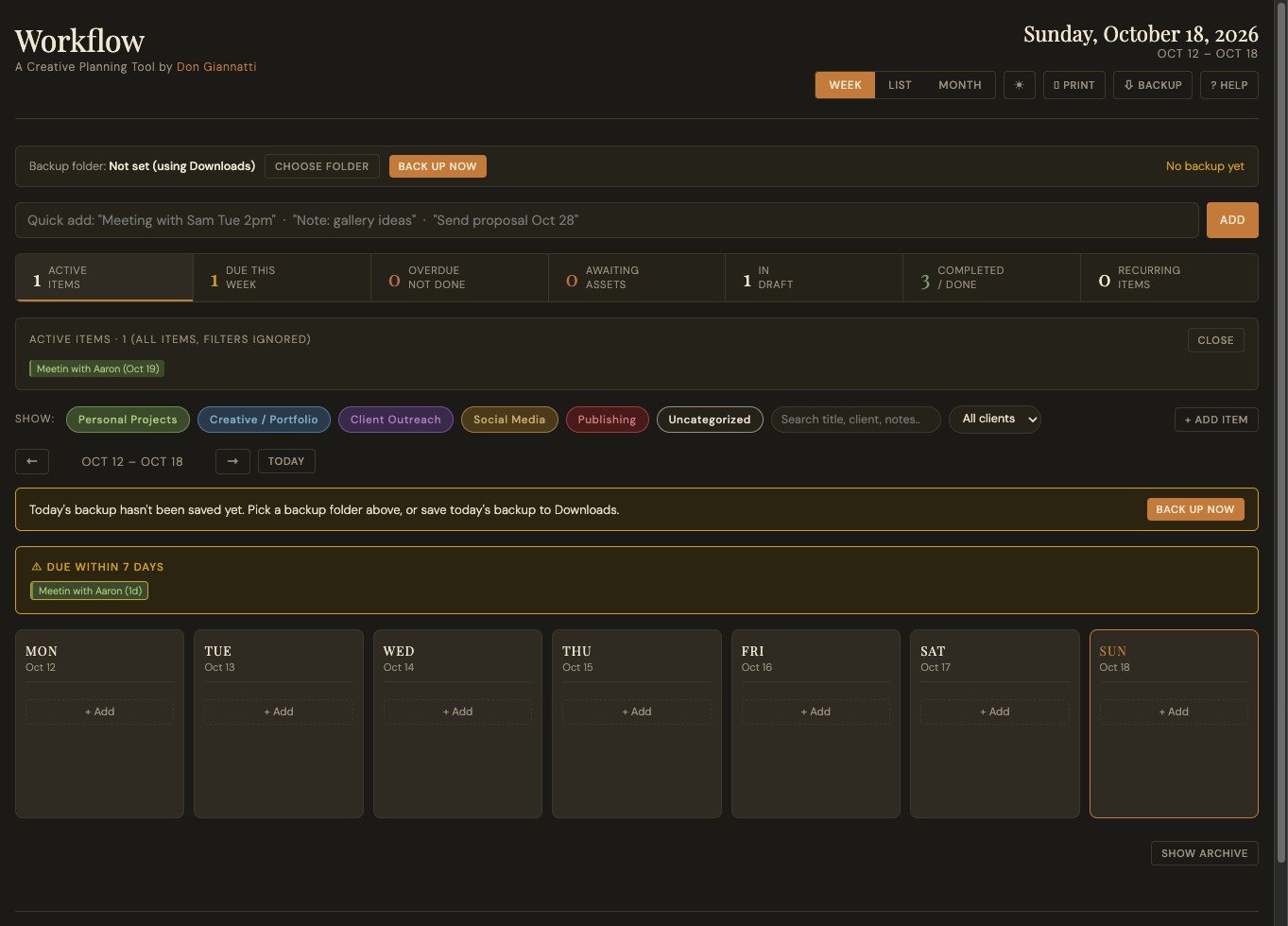
It’s a planning tool for creative work: one calendar for projects, client outreach, social posts, publishing dates, meetings, and the loose ends you don’t want to lose. You can see your week, month, or a simple list.
Add an item with a quick line like “Send proposal Oct 28” or “Meeting with Sam Tue 2pm.” Track its status, flag what you’re waiting on, set recurring tasks, and filter by category or client.
That’s the job, the only job.
Keep the work visible and make it easier to see what needs attention.
I didn’t start with any sort of complex business plan, a fancy pitch deck, or a grand vision of taking over the workflow market. No SaaS dominance, no IPO, no Lambo. (OK, I was secretly hoping for an Indian Chieftain with leather bags, but no, not even one of them,
I wanted a tool that worked the way I work.
I was the market.
That’s one of the more interesting possibilities AI opens up. You can build something useful because you want it to exist. It doesn’t have to become a venture-backed company, and end up in Silicon Valley. All it has to do is solve one particular problem for one particular person.
And sometimes that person shares it. Like today.
Workflow doesn’t require an account, a subscription, or even an AI subscription. You can use it without an internet connection. Your information stays in your browser, on your computer. To move it to another machine, export a JSON backup and transfer the file. No elaborate migration ceremony required, and no customer service rep you can’t even understand to cance a membership.
One thing to remember though: Do make backups.
The guide explains how, including daily backups in Chrome or Edge and exporting a file whenever you want.
I made the tool I wanted.
Now I’m giving it to my Substack subscribers for free. Download it below, read the guide, and see if it helps you keep your work in mind and in view.
A small gift from your favorite writer.
(I’ll let you decide whether that’s true.)
Download the .zip file, unzip, and drag the two HTML files to your browser. It is better to drag than double click, BTW. Read the guide, or just get going with it. Very simple, minimal design.
DOWNLOAD
MEETING NOTES
Quick recap
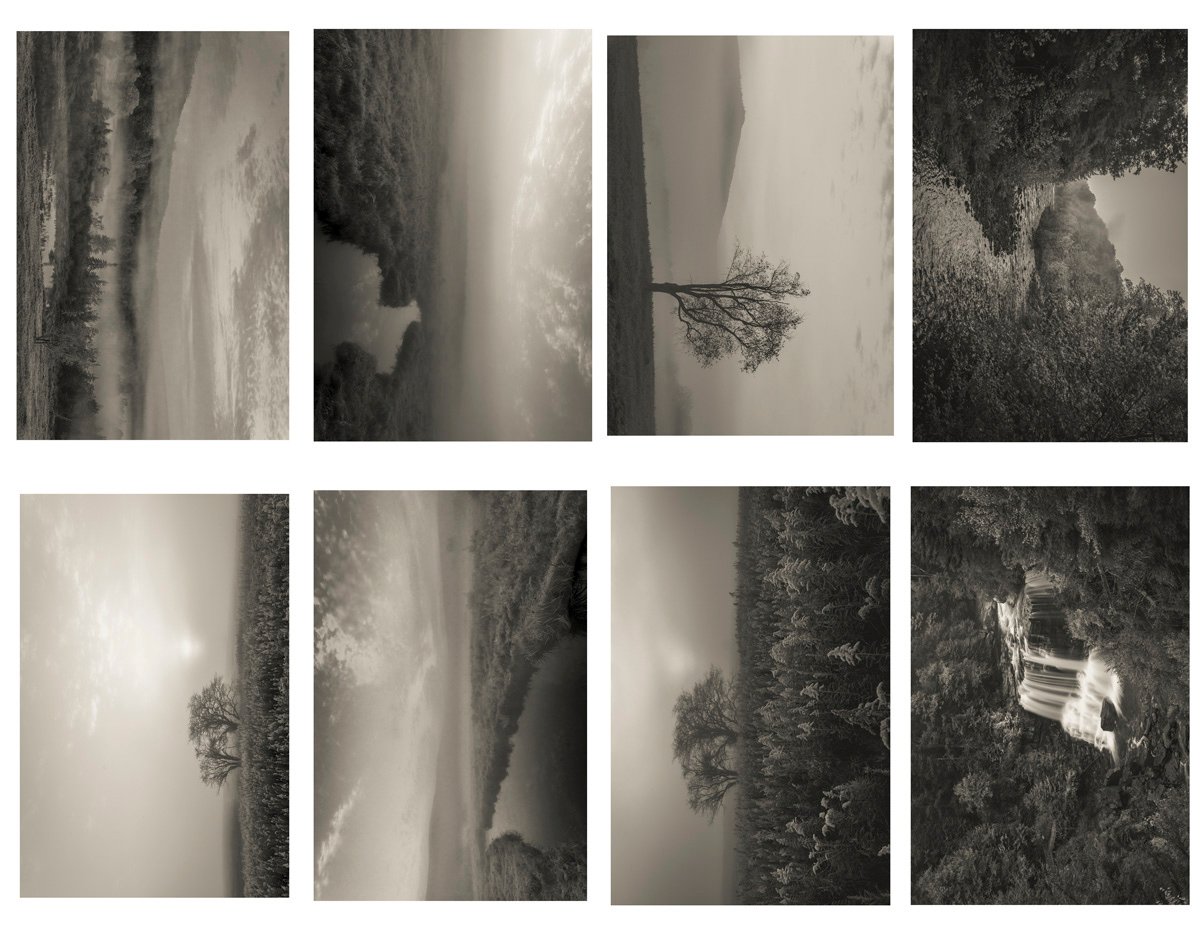
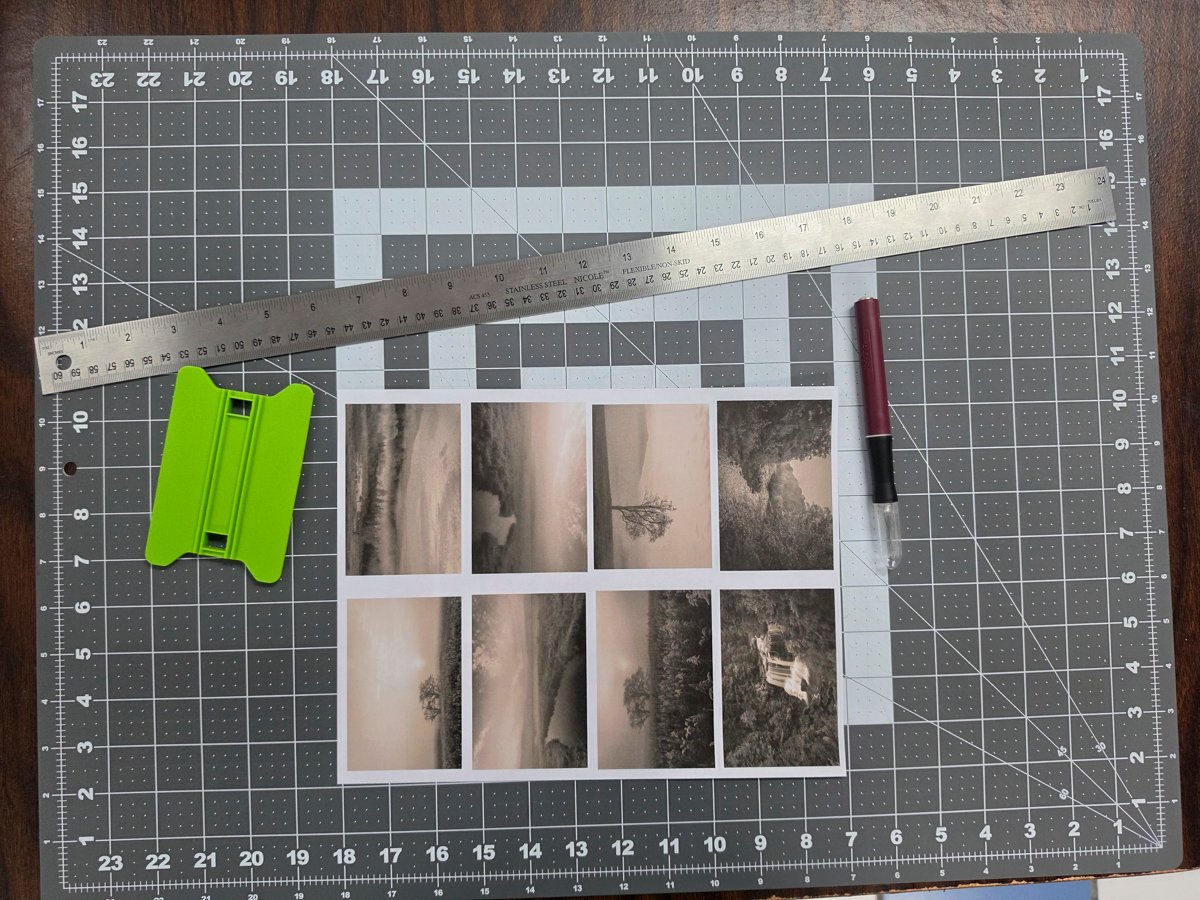
The meeting focused on reviewing zine projects that participants had created, with each member sharing their folded photo zines and discussing the printing, folding, and layout techniques used. Don demonstrated a new workflow tool he developed that saves projects as JSON files and can export to various platforms like Notion and Gmail, which he created using Claude code and Haiku 5.5. Michael shared his prefold zine featuring mountain images, while Becky, Karen, and Jay presented their own zine projects with different themes including festival photography, travel memories with a stuffed toy character, and nature scenes from Vermilion Cliffs and the Colorado River. The group also discussed technical aspects of in-camera double exposure photography, with Michael demonstrating his technique using a Nikon Z9 to create stunning combined images of an abandoned power plant, which led to suggestions about gallery presentations and printing options.
Next steps
Don
Jay
Karen
Laura
- Find and post the name/link of the free GitHub-based voice-to-text transcription tool (vibe.app) for the group.
- Research and try in-camera multi-exposure photography during her trip to Miami.
Micheal
- Share the step-by-step process for in-camera multi-exposure photography with anyone who sends him a note.
- Upload the additional double-exposure photo that reminded him of the Interstellar library scene to the group.
beckystinehour
Summary
Workflow Tool JSON Export Demonstration
Don presented an updated workflow tool that saves projects as JSON files and can export to various platforms including Notion, Google Docs, and Gmail. He demonstrated how the tool can run offline without requiring internet connection or API keys, and mentioned it was built using Claude code with Haiku 5.5. The group also discussed voice-to-text tools, with Don recommending Fluid Voice and Laura sharing information about a free transcription tool called vibe.app found on GitHub.
Zine and Photography Sharing Session
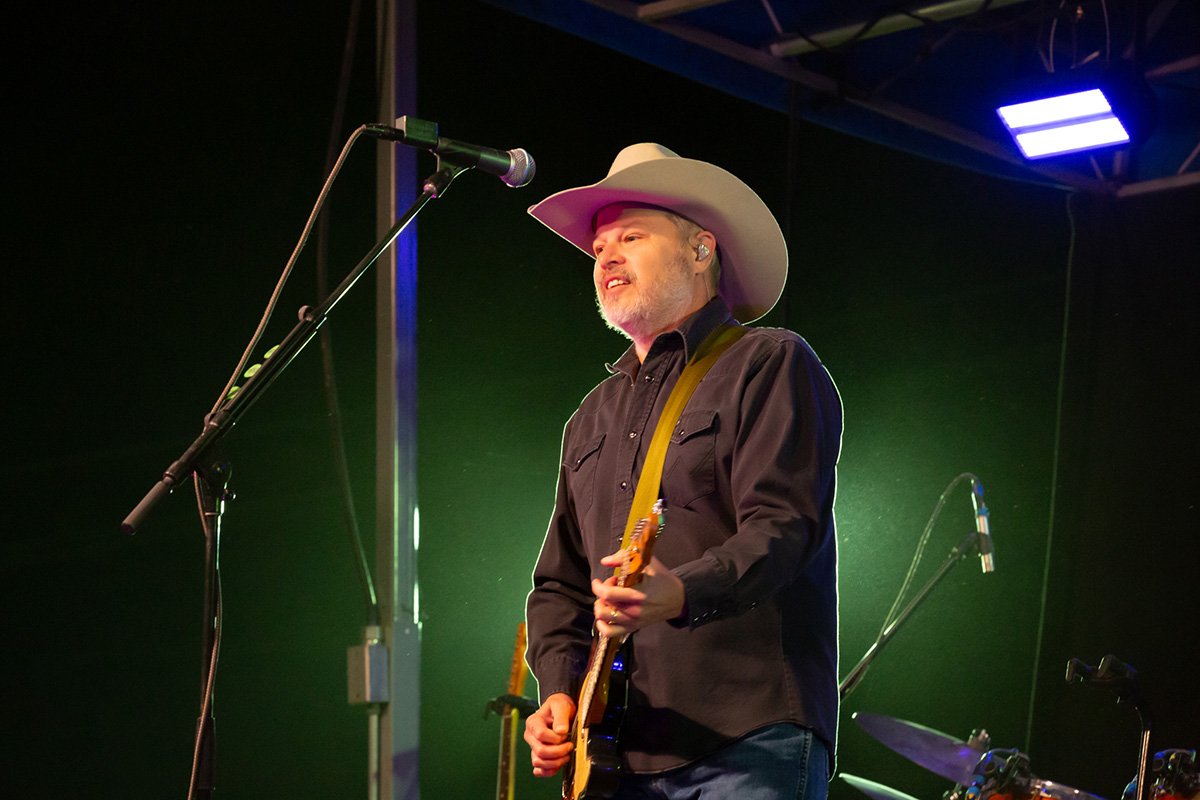
The group discussed sharing zines and photos, with participants like Michael, Becky, Karen, and Inge sharing their completed projects. Michael demonstrated his prefold zine technique using a single sheet of paper, while Inge successfully used Canva for layout and printing at a mail center. Jay mentioned ongoing challenges with photograph imposition for layout, and Don provided guidance on using cheap copy paper despite quality issues. Becky shared photos from a recent festival assignment, and the group provided feedback on photography techniques, particularly regarding product shots of expensive items.
Creative Project Review Session
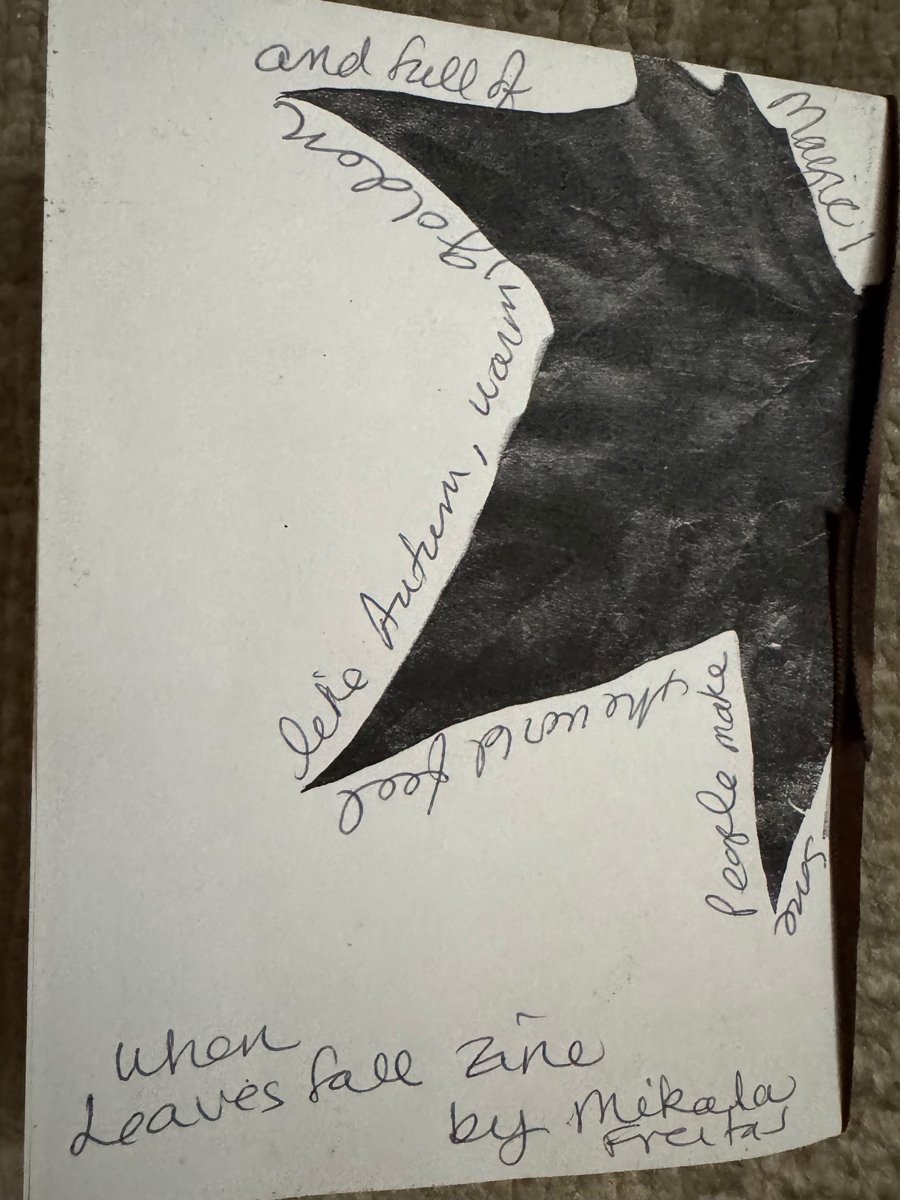
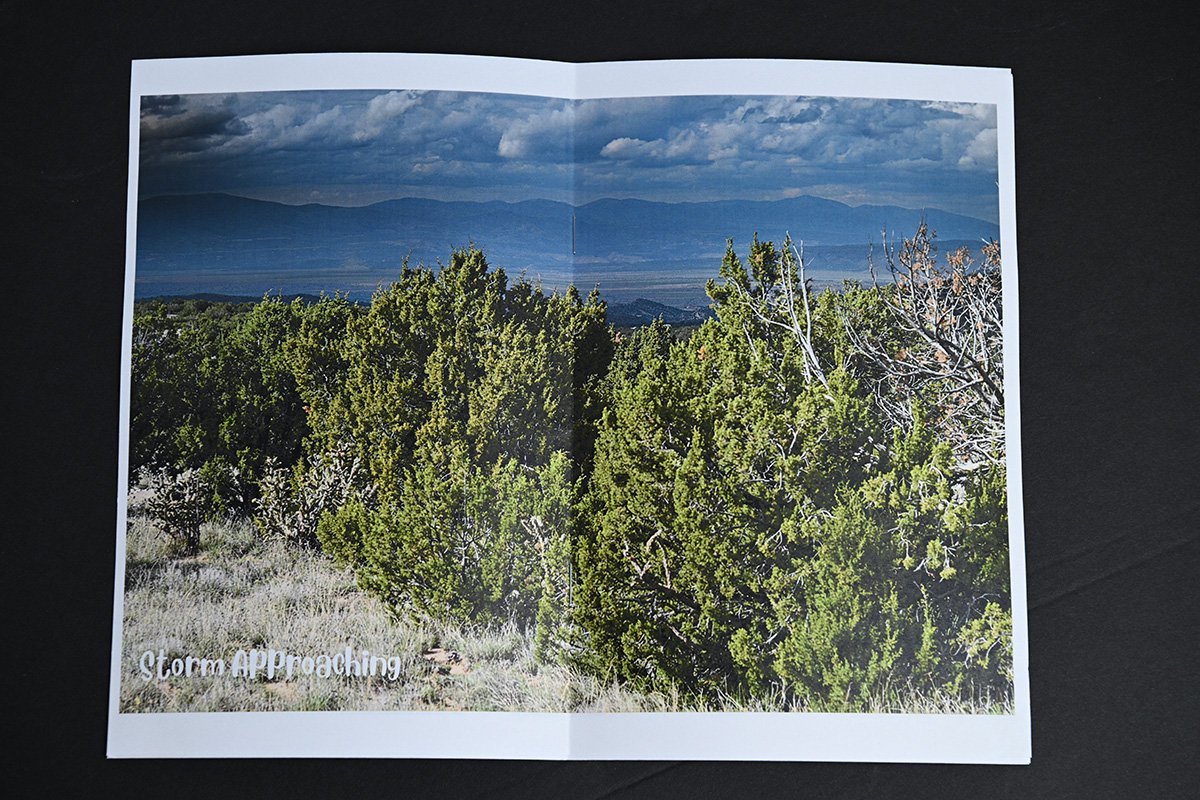
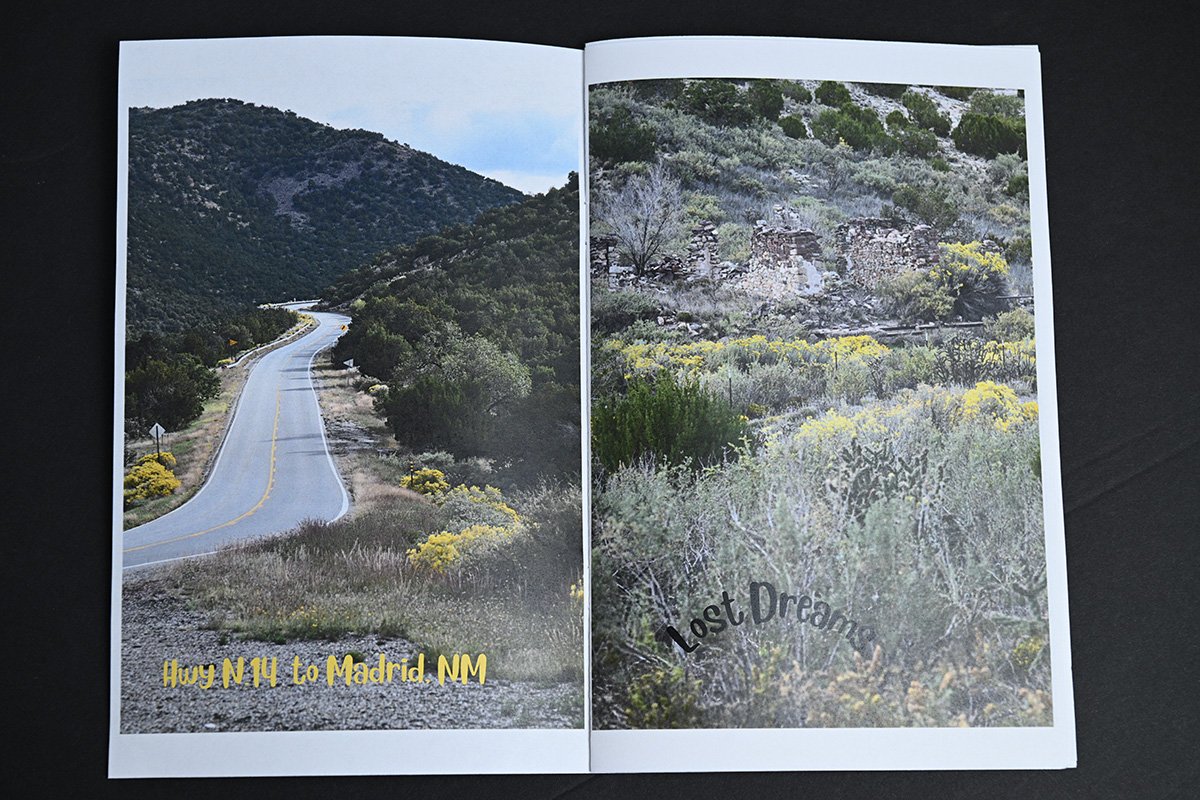
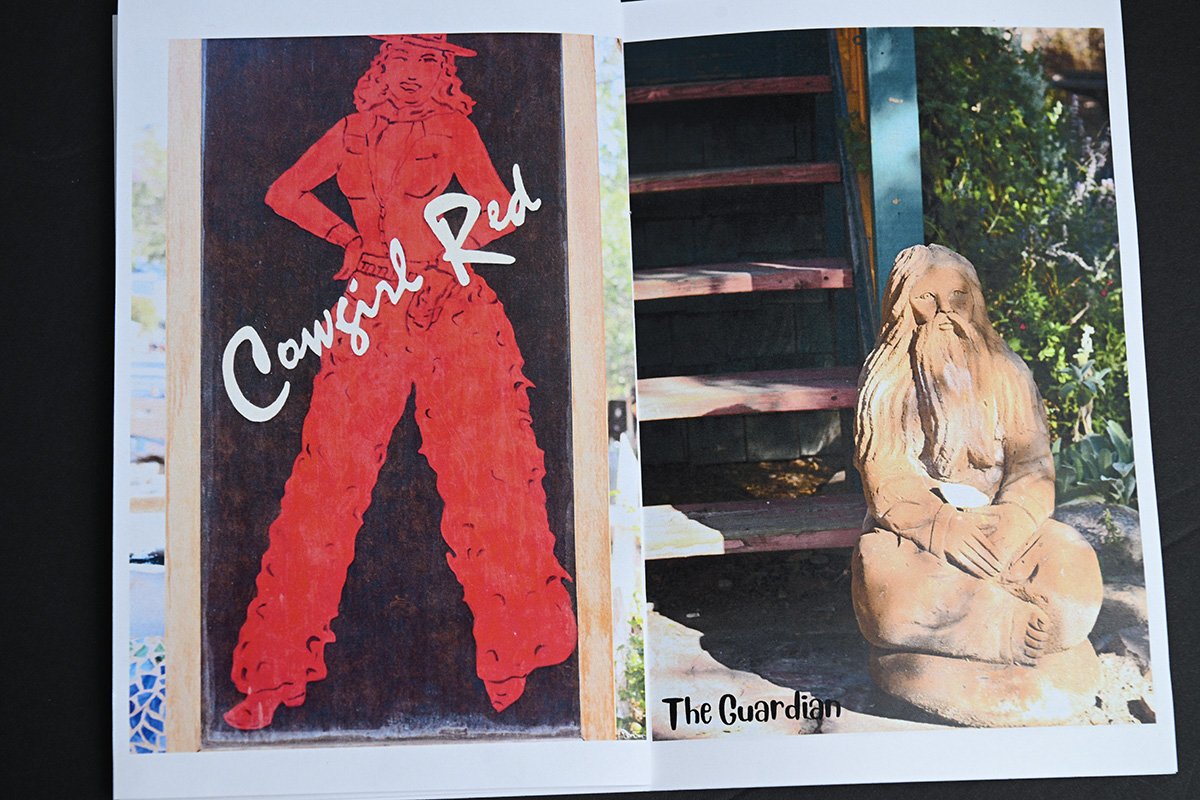
The group reviewed creative projects presented by Inge and Mikala. Inge shared images from an art gallery in coal miner shacks, including front and back cover photos. Mikala presented a handmade book featuring autumn leaves from Central Park, with handwritten quotes from poets and writers, which she created using simple materials and a photo printer. The team provided positive feedback on both projects, particularly appreciating the natural lighting and texture in Mikala’s work.
Color Form Printing Discussion
The group discussed printing and formatting options for a color form, with Don and Laura debating whether to use watercolor paper or photo paper based on the desired look of the colors. Karen shared her personal project of creating a travel journal using a small stuffed figure named Burberry Bob, which she takes on trips and photographs at various locations. Laura shared a similar childhood project involving a stuffed bunny, expressing how such personal travel projects represent people through symbolic items.
Creative Photography Projects Updates
Don shared updates about three creative photography projects he discovered, including someone shooting around their new house and another artist creating a series labeled “Not Barstow 1965” by showing where photos are not located rather than where they are. Karen discussed making two zines on cardstock, explaining the technical challenges with laser printing and binding, and mentioned getting a scoring tool for $1.25 at an auction. Jay presented his photography book project titled “A Gift of Time” featuring images from Vermilion Cliffs and the Colorado River, with the finished size planned as 5.5 by 4 inches.
Double Exposure Photography Techniques
Micheal shared his double exposure photography technique using a Nikon Z9 camera, demonstrating how he created artistic images of an abandoned power plant by combining two long-exposure shots in camera. The group discussed printing options, with Don and others suggesting acrylic or metallic paper for gallery presentations, and Karen advised researching gallery requirements before submitting work. Jay mentioned an opportunity to photograph a Navajo artist’s sculptures for a competition, and the conversation concluded with recommendations for visiting Miami, particularly South Beach and Clyde Butcher’s gallery in Big Cypress.
Attendees: Don Giannatti (Organizer), Mikala Magic (External), Jay Chatzkel (External), Ligia Cuevas’Johnson (External), Laura Andreea Graham – Andree Media (External), Mike Mortellaro (External), Karen (External), beckystinehour (External), Inge Harris (External), Micheal Carpenter (External)
MEETING NOTES
Quick recap
The meeting began with a personal check-in where Inge shared the physical and emotional toll of storm damage and supporting her mother’s depression, while Trish reflected on her own boundaries with family. The conversation then shifted to a detailed discussion on printing zines and marketing materials. Inge asked about the best format for a professional look, and Don and Donn recommended Blurb for high-quality color rendition, explaining the differences between trade books and magazines, the impact of paper stock on color, and the importance of using printer profiles. They also compared Blurb with Mixam and MagCloud, discussing costs, page counts, and the benefits of trial-and-error printing. Don then demonstrated a custom daily workflow tool he built using Claude, which allows for saving and importing project data as JSON files. He also described his process for creating a Photoshop plugin for color grading and shared his views on the current state of the photography market, emphasizing the need for photographers to constantly improve their skills to stay competitive. The conversation ended with a review of several zine projects from the group, including work by Michael, Inge, Trish, Becky, and Jay.
Next steps
Don
Inge
- Experiment with Blurb for zine printing, including ordering a test magazine and trade book to compare quality, color rendition, and tactile feel.
- Create a test book with a variety of images (bright, bold, muted, pastel, black and white) and different brightness levels of the same image to see how Blurb interprets them.
- Contact printers to ask for their printer profiles to ensure on-screen color matches the printed output.
- Consider using Mixam for larger or more serious print projects, keeping in mind the CMYK color space requirements.
Trish
Summary
Zine Printing Guidance Discussion
Inge discussed challenges with her storm-damaged property and caring for her mother who suffers from depression. Don provided guidance on zine printing, recommending Blurb for better image quality and suggesting using 80-pound cover stock rather than heavier paper. Don clarified that zines are better suited for personal or established relationships rather than cold calls, while professional-looking cards would be more appropriate for marketing purposes.
Book Printing Options Discussion
Donn and Inge discussed printing options for books and magazines, focusing on the differences between trade books and Blurb zines. Donn advised Inge to experiment with printing by creating a test book using Blurb’s magazine format, which costs around $5-7 plus shipping, to understand how colors and layouts translate from screen to print. He emphasized the importance of getting the correct printer profile and explained the differences between CMYK and RGB color models, suggesting that Inge should expect to make adjustments after the first print attempt.
Book Printing Options Discussion
Donn advised Inge and Trish to start with a 20-page test book to experiment with different formatting options like fonts, borders, and paper types, suggesting to treat this as an initial investment. He recommended using Blurb for smaller books up to 40 pages and Mixam for larger projects, noting that Mixam offers competitive pricing at around $7.40 per book for 72 pages when ordering 10 copies. Donn also mentioned exploring 4over Trade Printer for wholesale options despite their reseller requirement, highlighting their affordable pricing for items like four-color postcards.
Printing Options and Workflow Updates
Donn and Inge discussed printing options, with Donn recommending MagCloud for high-quality posters at $2 per printed side and highlighting their large 11×17 tabloid format. Donn shared examples of previous projects including a large portrait book and mentioned plans for a future collective project using 11×14 format. The conversation then shifted to Donn’s updated workflow tool which now includes JSON file saving capabilities for projects, allowing users to back up and import work as needed.
Custom Claude Tools Development
Don demonstrated a custom desktop tool he built using Claude that functions as a calendar and project manager without requiring internet access. He explained his plans to create a custom color grading tool for Photoshop based on profiles from photographers like Sam Elkins and Finn Beals, which Claude is helping him develop by providing HSL settings in Lightroom. Don noted that while some platforms frown upon heavily filtered photos, clients have historically appreciated these artistic treatments.
Photography Pricing and Feedback Discussion
Don discussed positive client feedback about his photography work and shared his approach to color grading using Lightroom and Camera Raw. The conversation shifted to a discussion about photography pricing, where Don expressed frustration with photographers complaining about declining fees while earning substantial incomes compared to average wages in America. Don emphasized that photographers have a privileged position allowing them to create art while earning $200,000 annually, which he contrasted with other jobs like working in a shoe store.
Photography Industry and AI Tools
Don discussed the importance of standing out in the photography industry, sharing insights about finding unique photographers and setting high standards. He emphasized the need for continuous learning and improvement in photography and post-processing skills. The group also reviewed various photo projects, including foldable books created by Michael, Becky, and Trish, and discussed the potential of AI tools like Claude and Haiku for creating and improving software tools. Don highlighted the benefits of using Haiku for initial tool design before moving to Opus 5.5 for code cleanup and optimization.
Attendees: Don Giannatti (Organizer), Laura Andreea Graham – Andree Media (External), DERRICK ROSE (External), Donn Dobkin (External), Inge Harris (External), Trish (External)
Carpenter-10
Carpenter-11
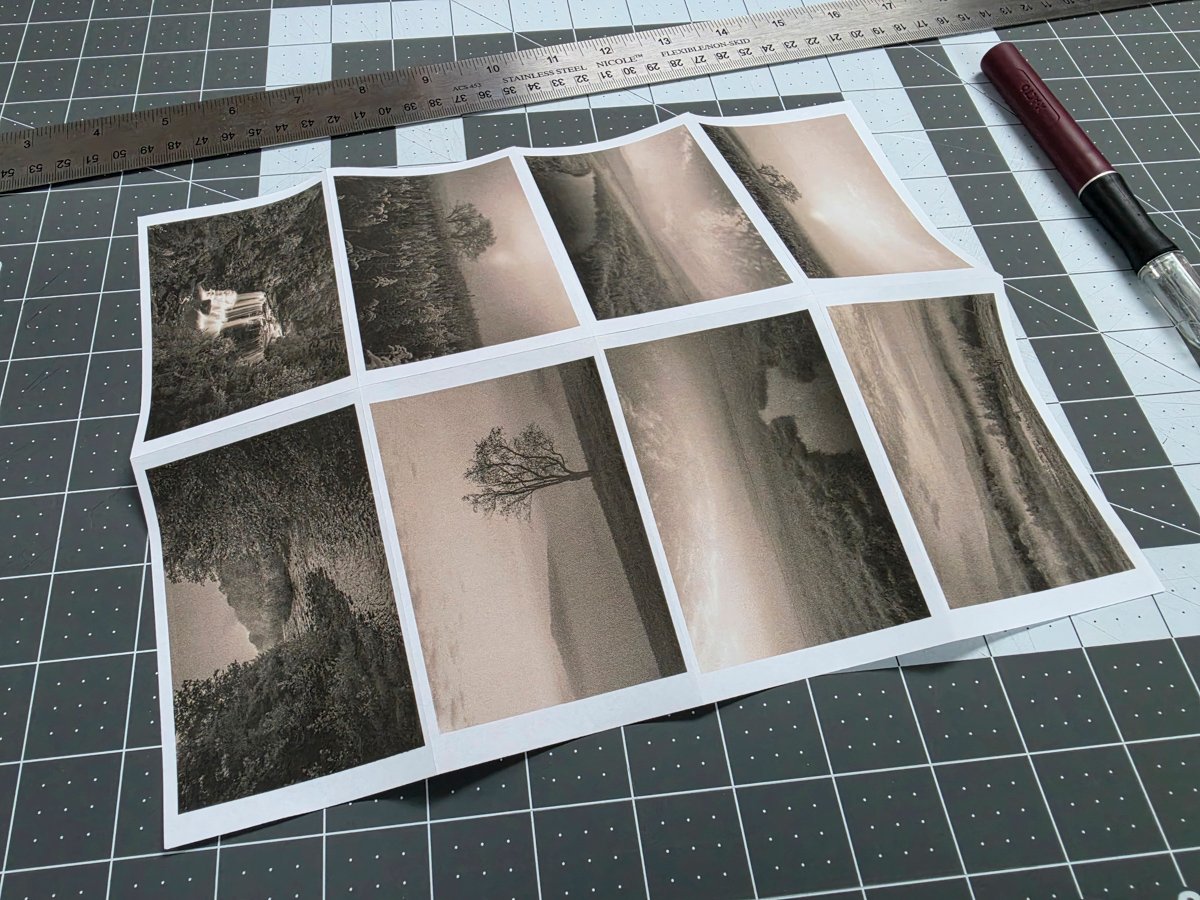
Carpenter-12
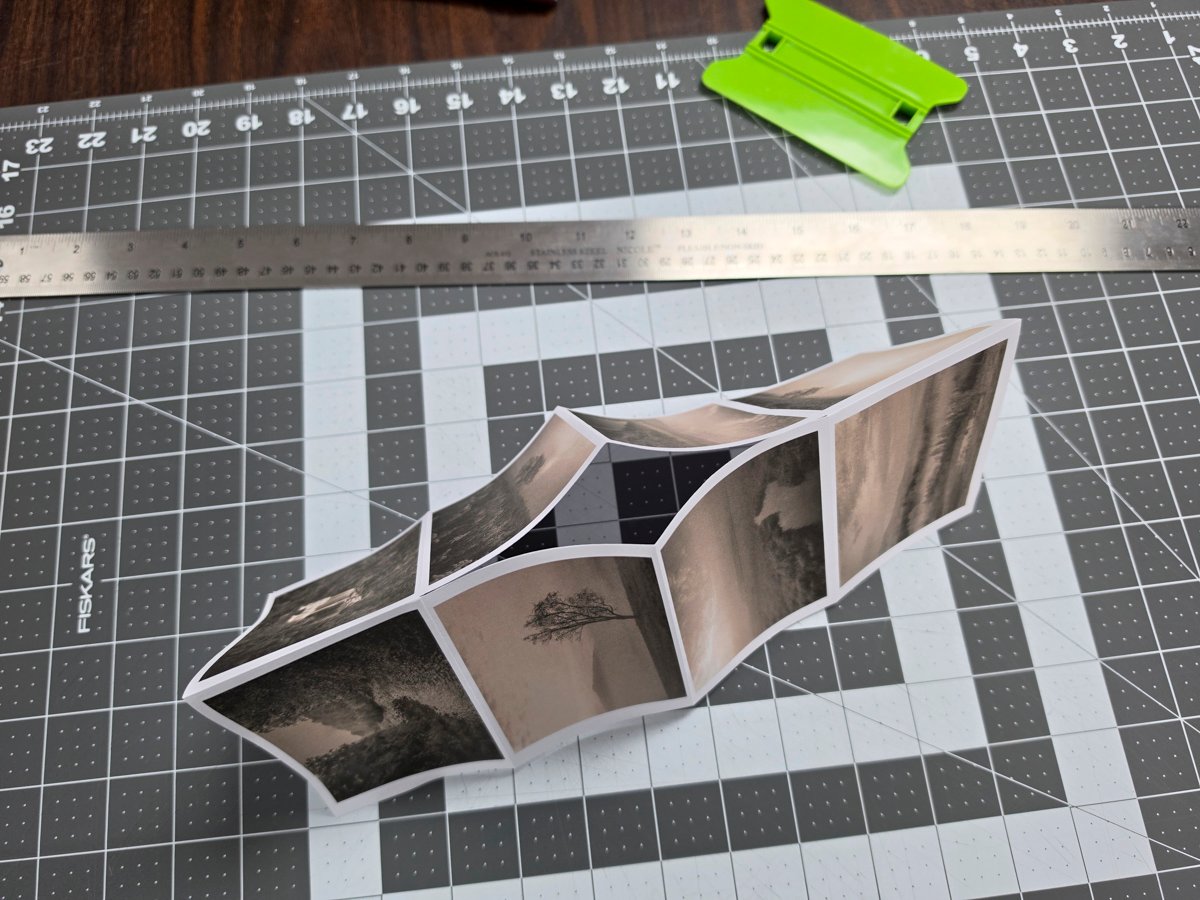
Carpenter-13
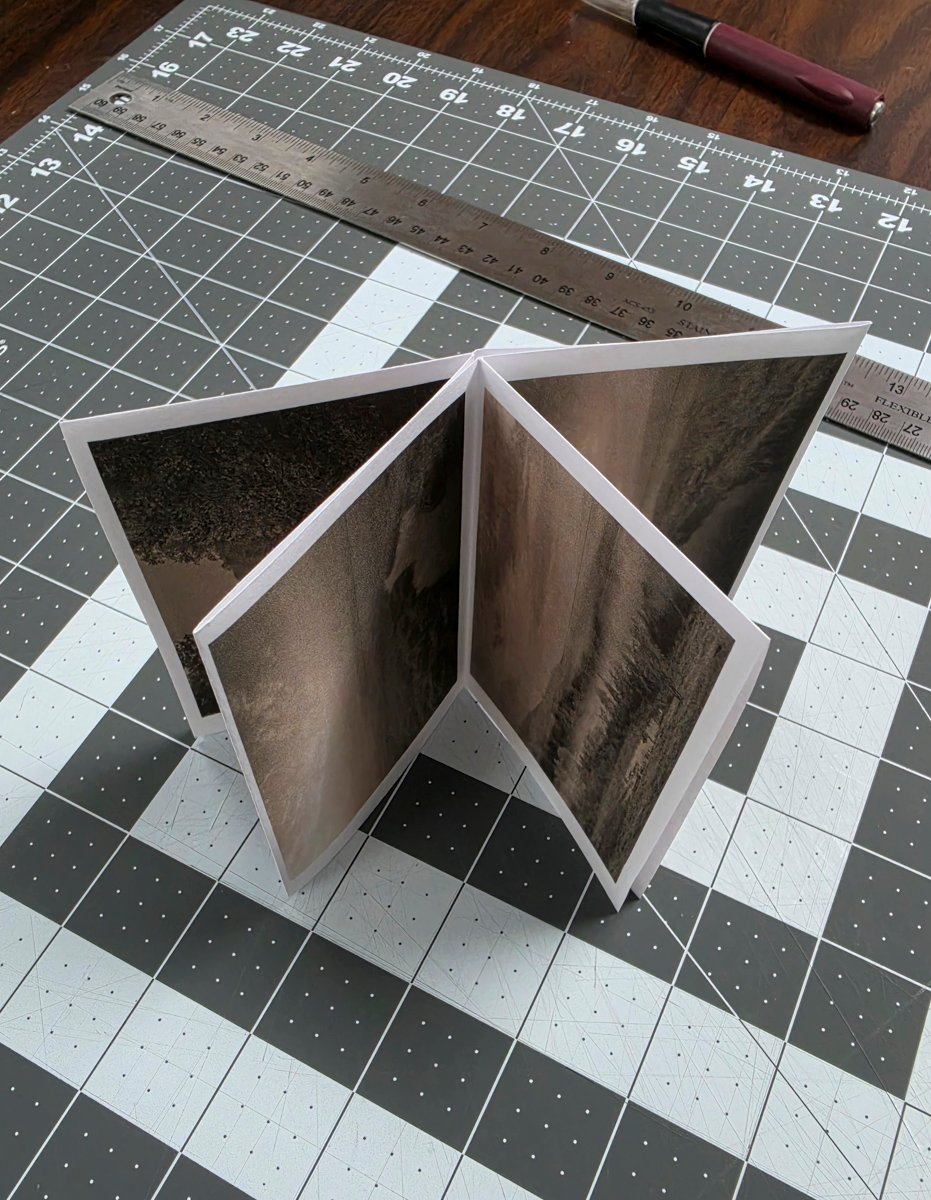
Carpenter-14
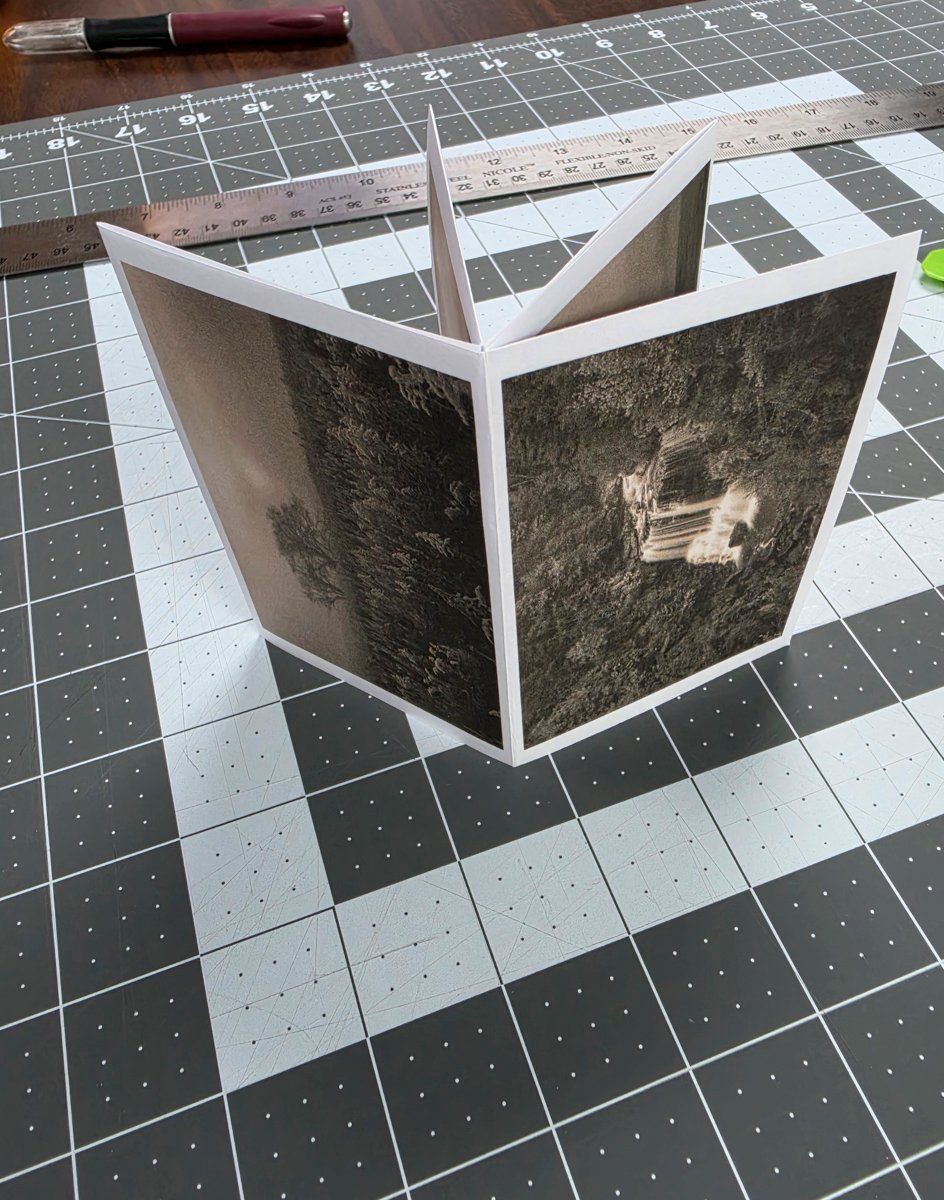
Carpenter-15
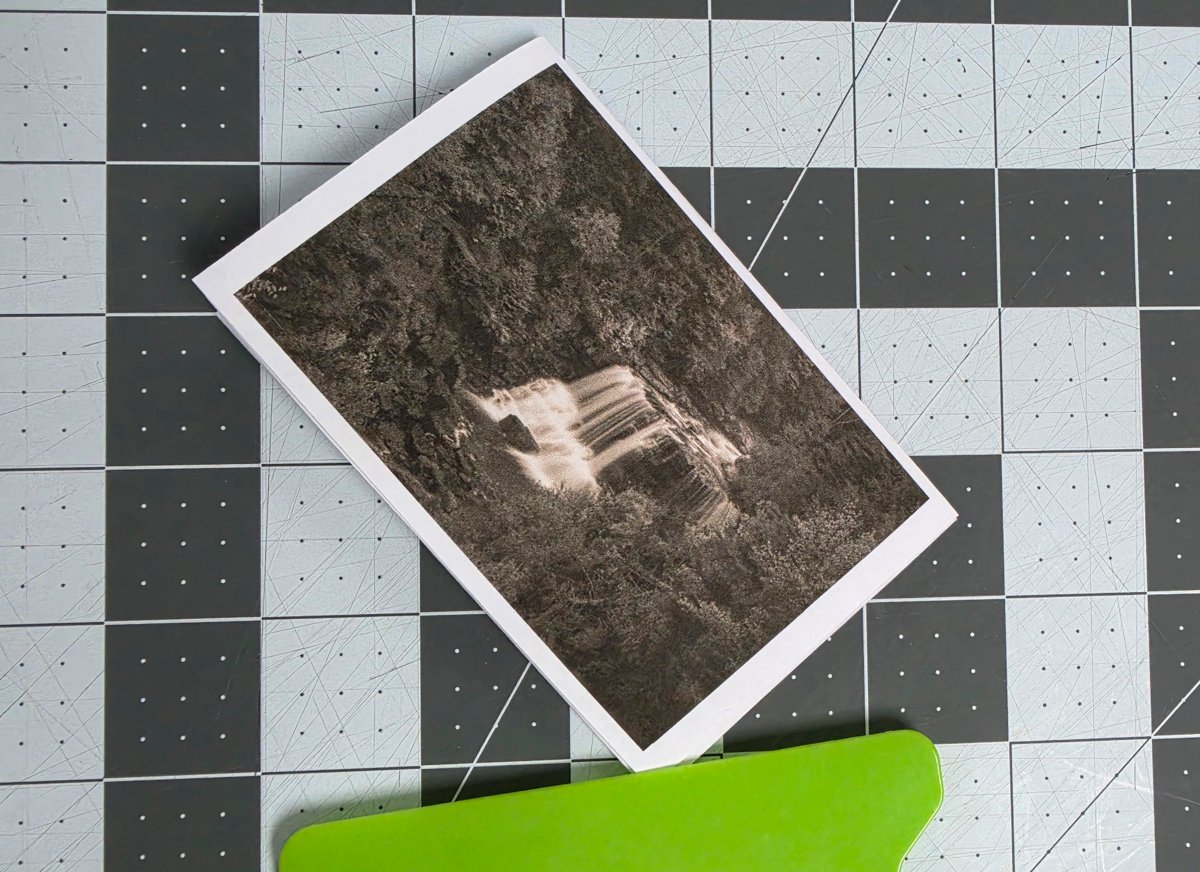
Carpenter-16
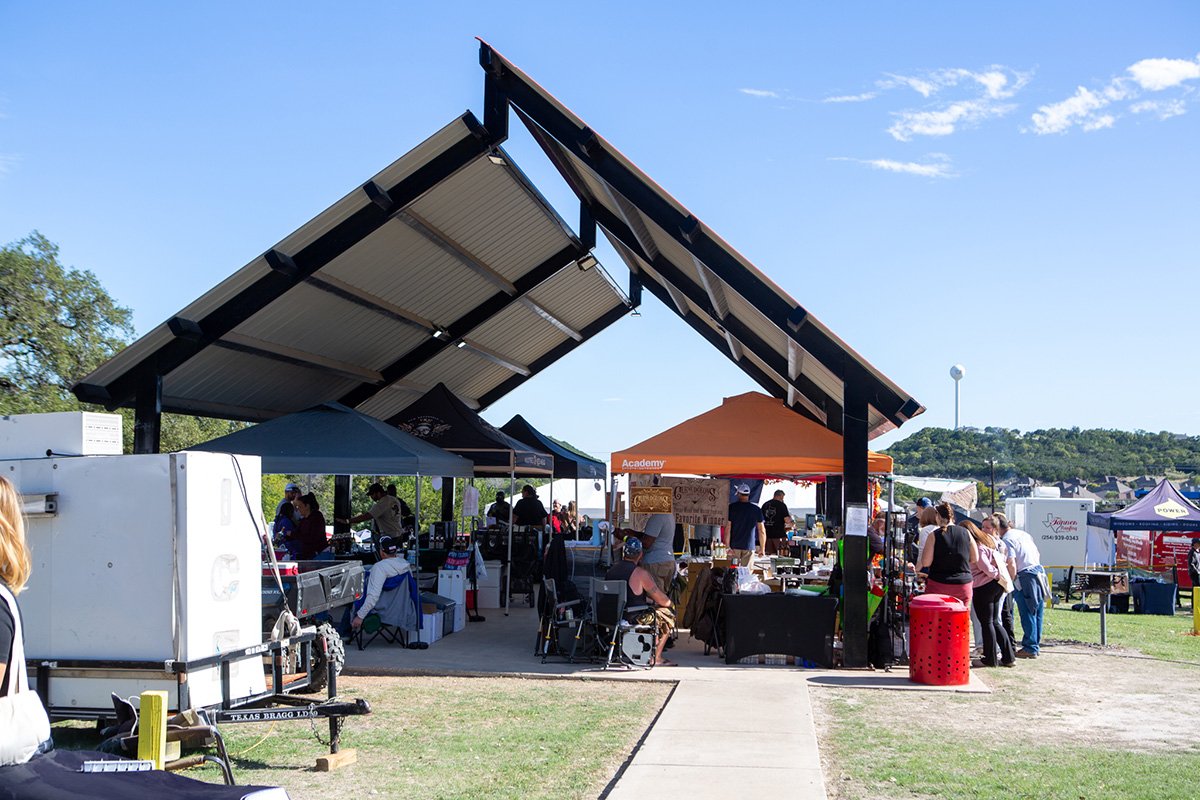
FoodWine-Brew-Festival-Becky-Stinehour-1
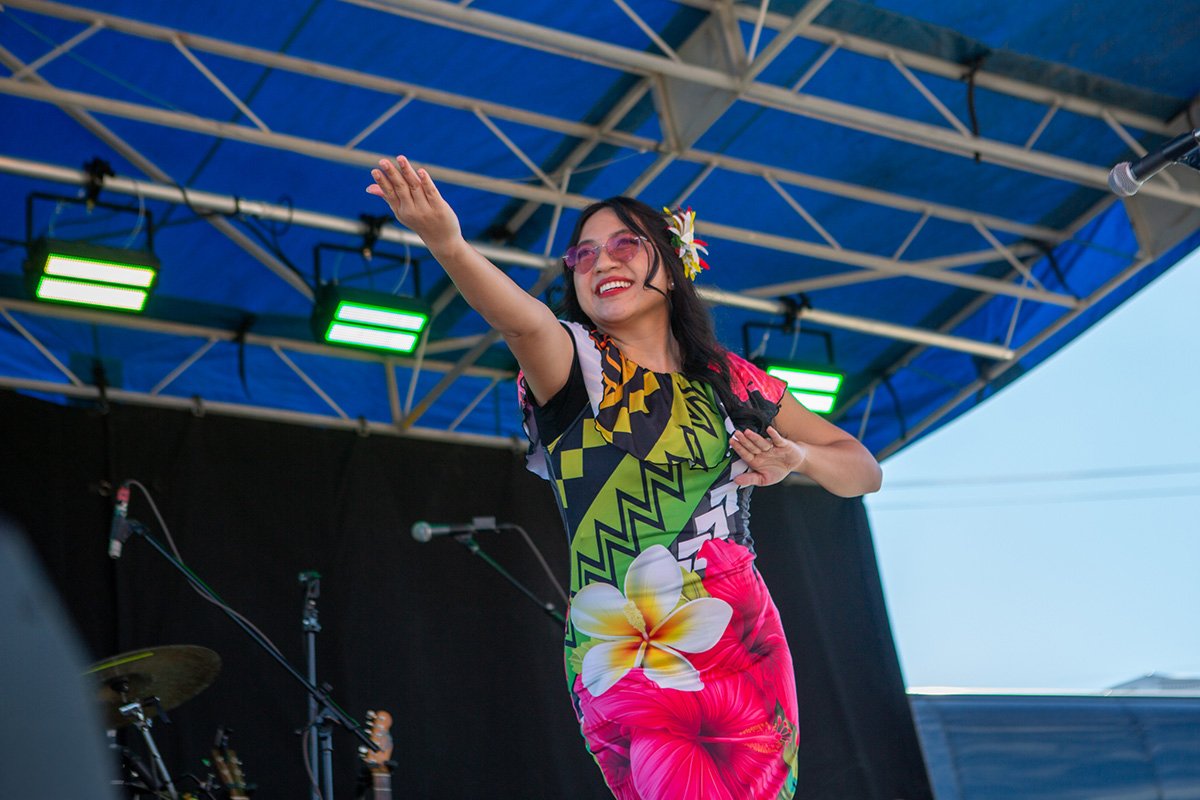
FoodWine-Brew-Festival-Becky-Stinehour-2
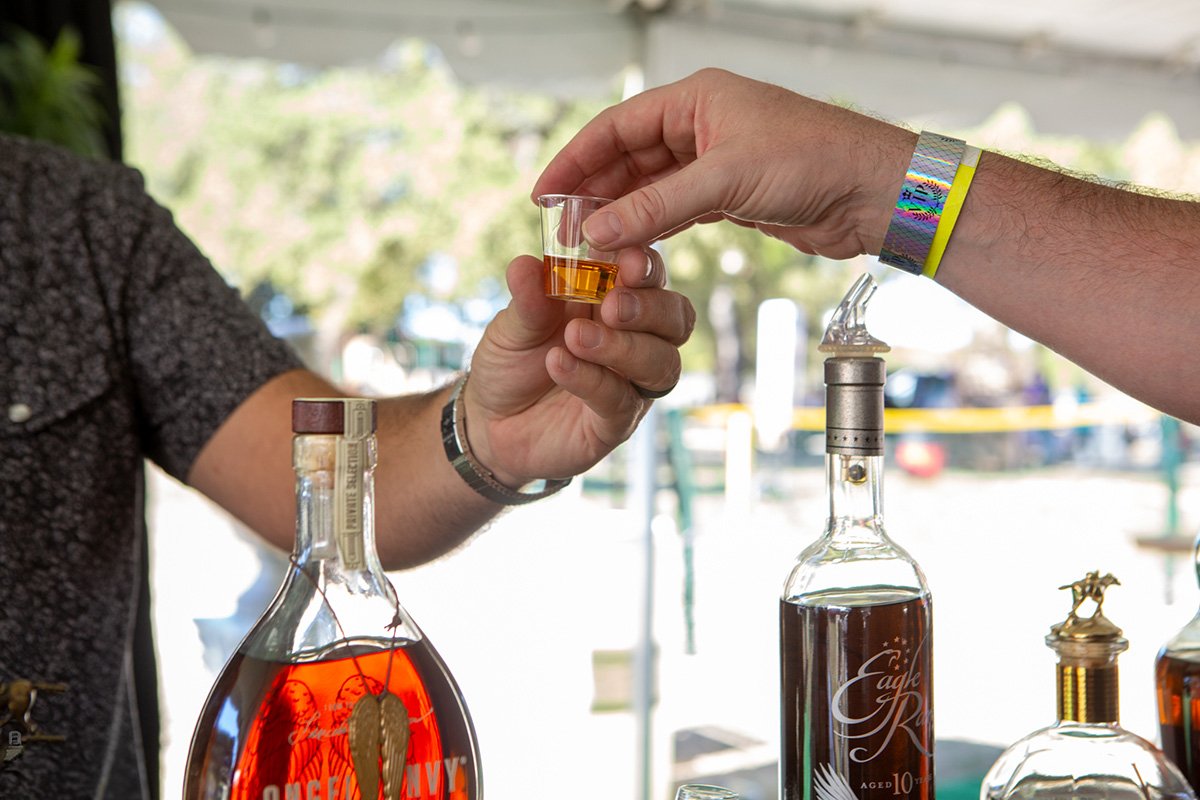
FoodWine-Brew-Festival-Becky-Stinehour-3
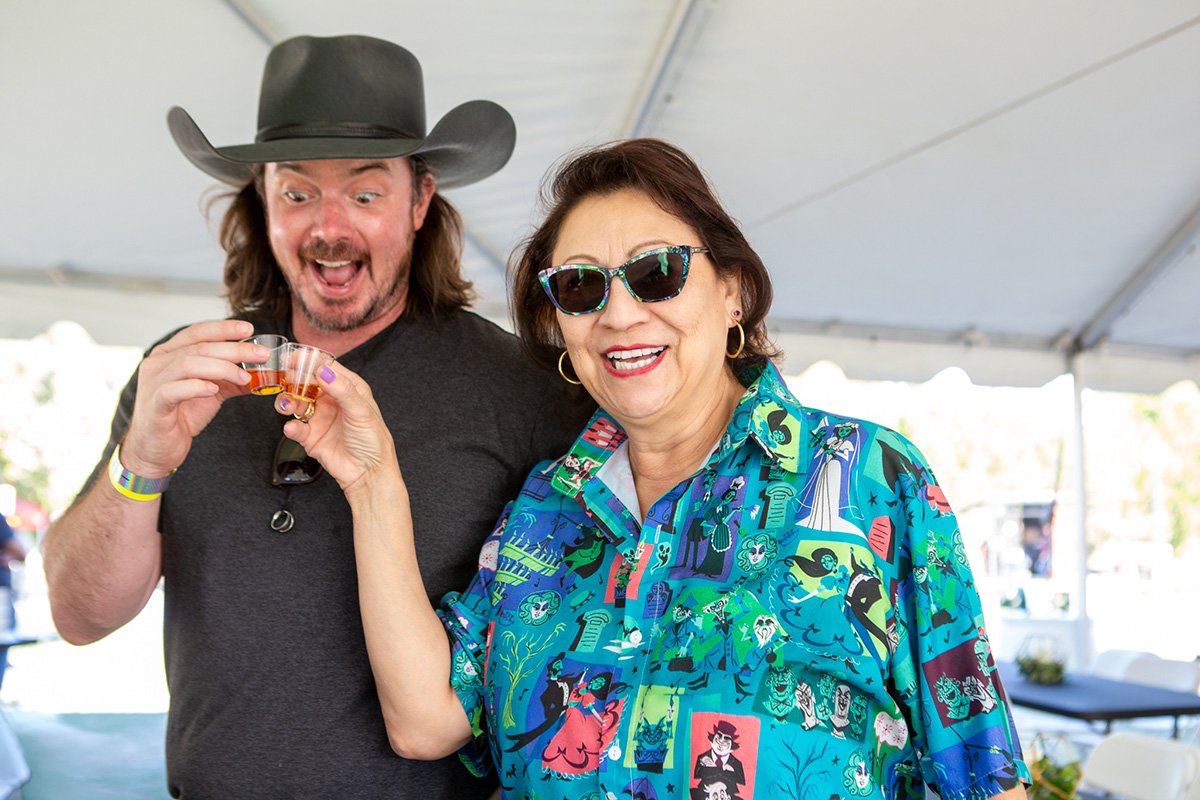
FoodWine-Brew-Festival-Becky-Stinehour-4
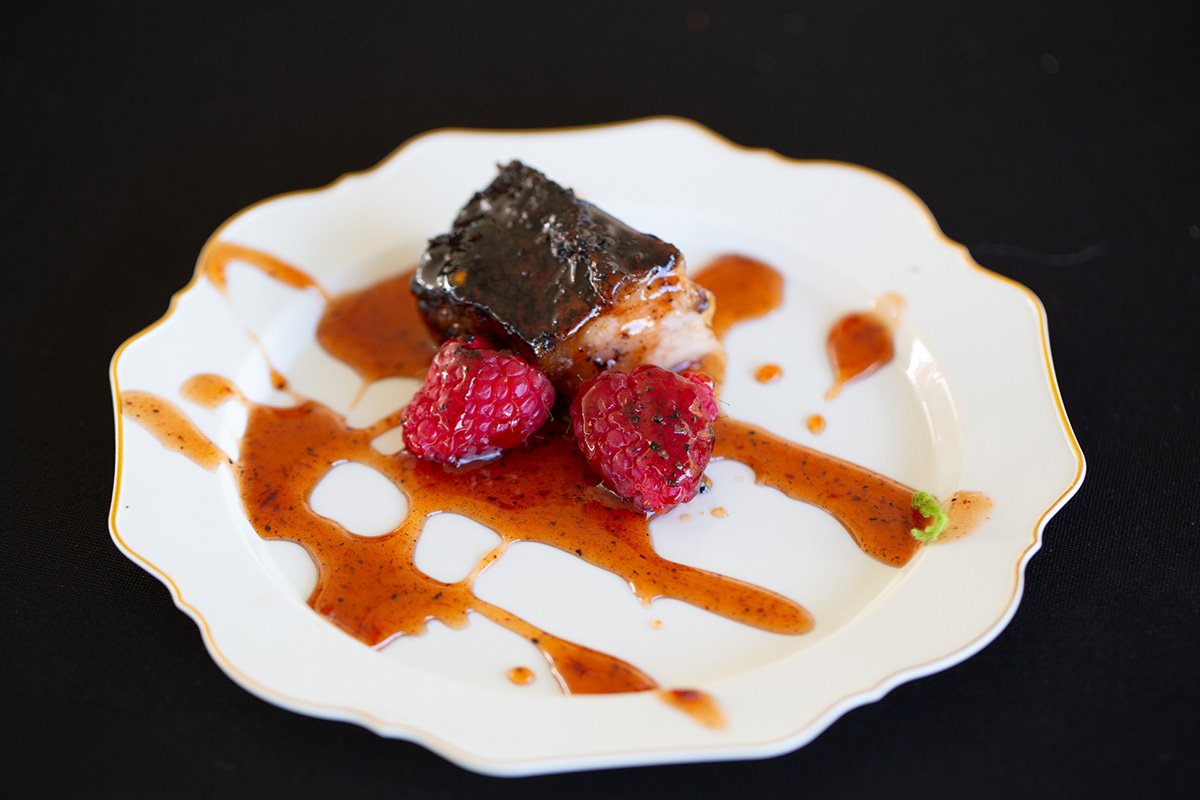
FoodWine-Brew-Festival-Becky-Stinehour-5
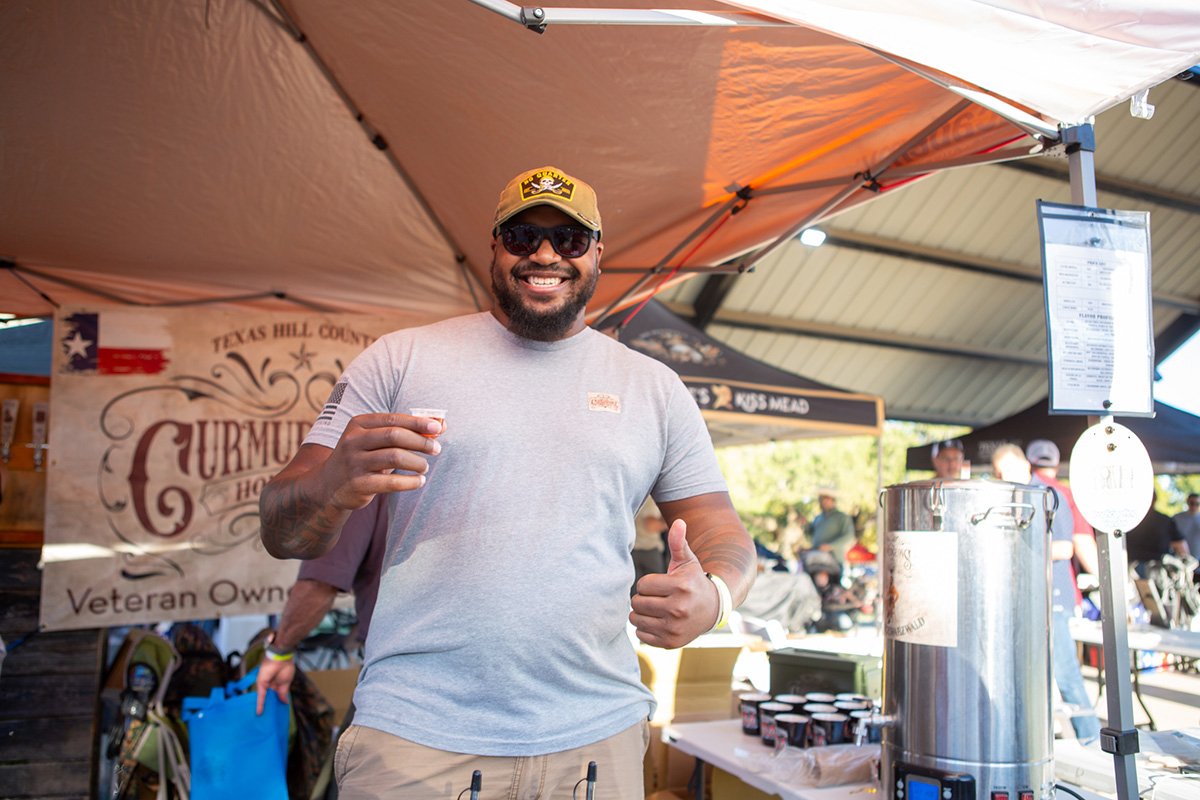
FoodWine-Brew-Festival-Becky-Stinehour-6
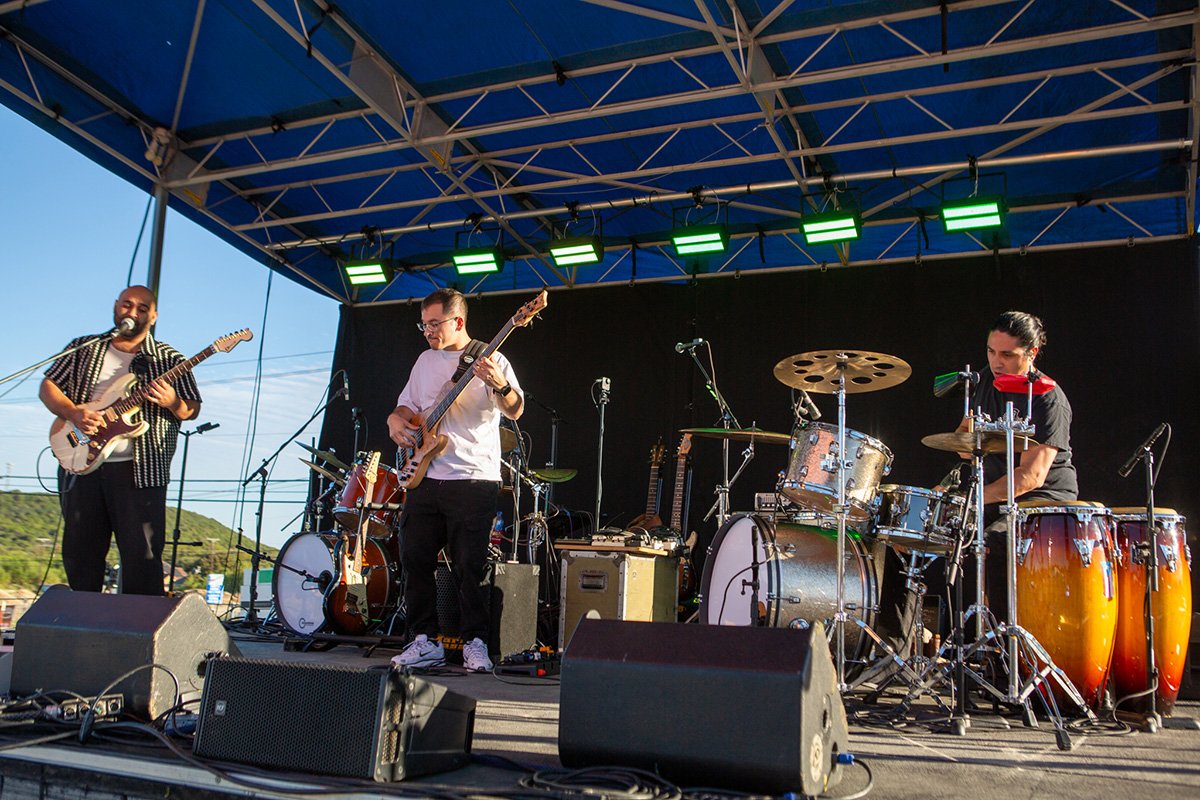
FoodWine-Brew-Festival-Becky-Stinehour-7
FoodWine-Brew-Festival-Becky-Stinehour-8
Inge-Harris-copyright-2026-Zine-2-DSC_3355
Inge-Harris-copyright-2026-Zine-3-DSC_3356
Inge-Harris-copyright-2026-Zine-5-DSC_3358
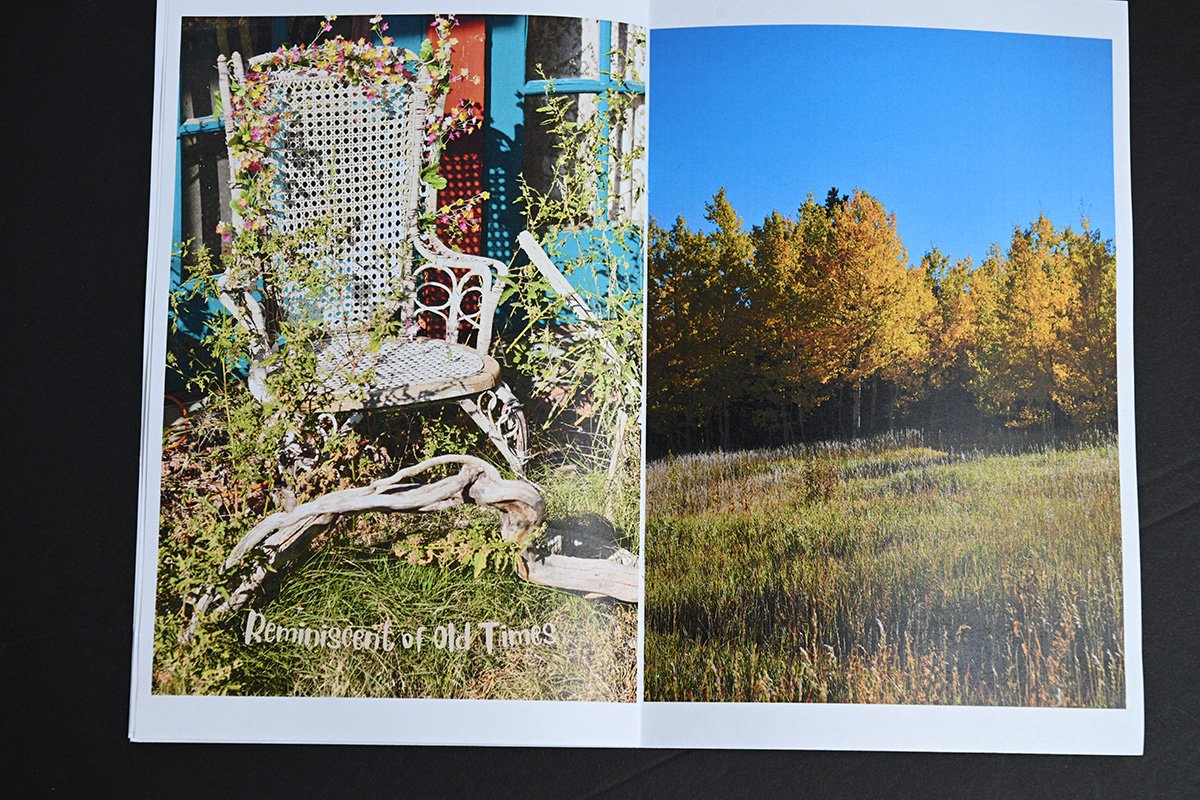
Inge-Harris-copyright-2026-Zine-6-DSC_3359
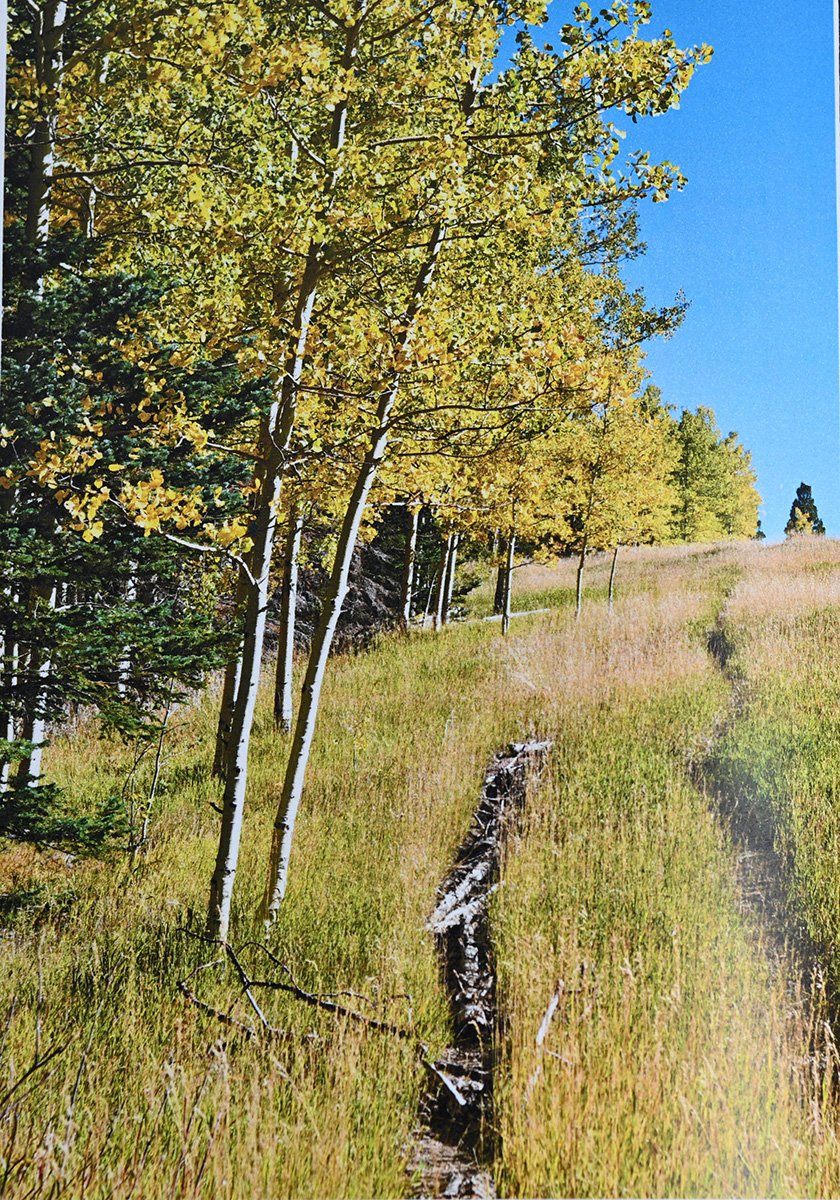
Inge-Harris-copyright-2026-Zine-7-DSC_3361
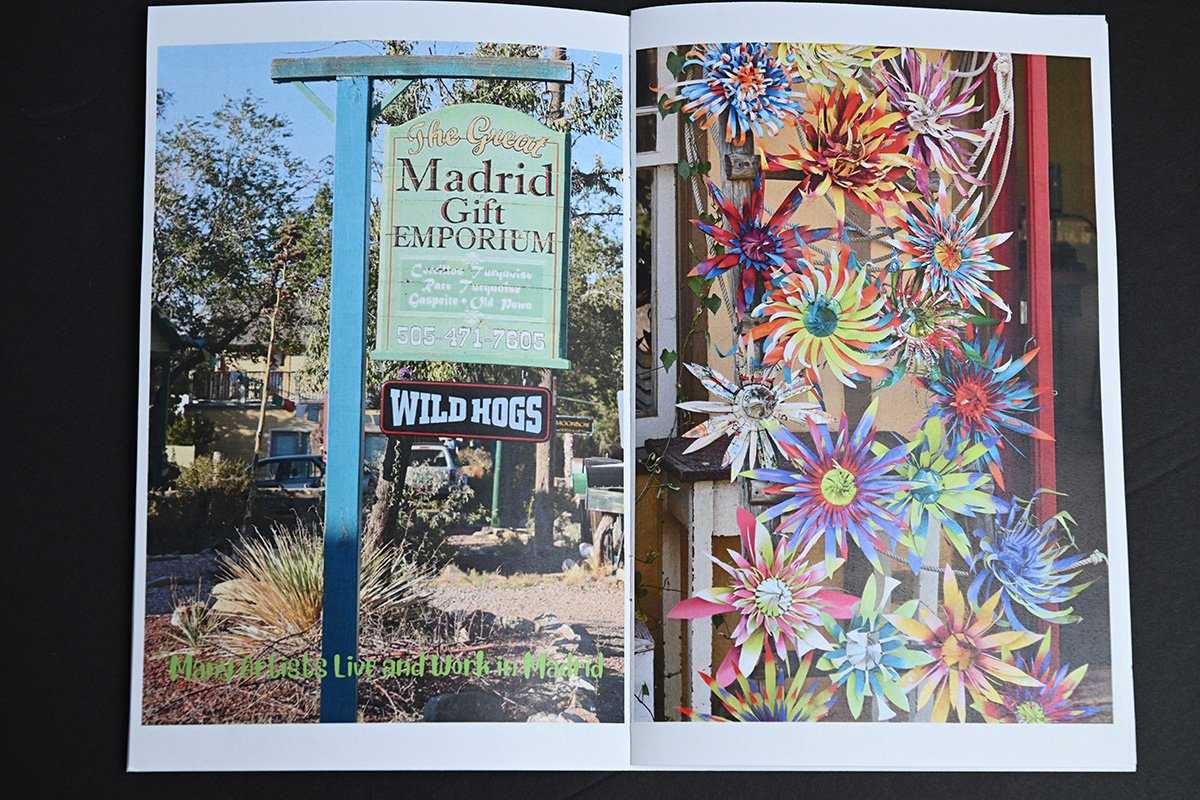
Inge-Harris-copyrigjt-2026-Zine-4-DSC_3357
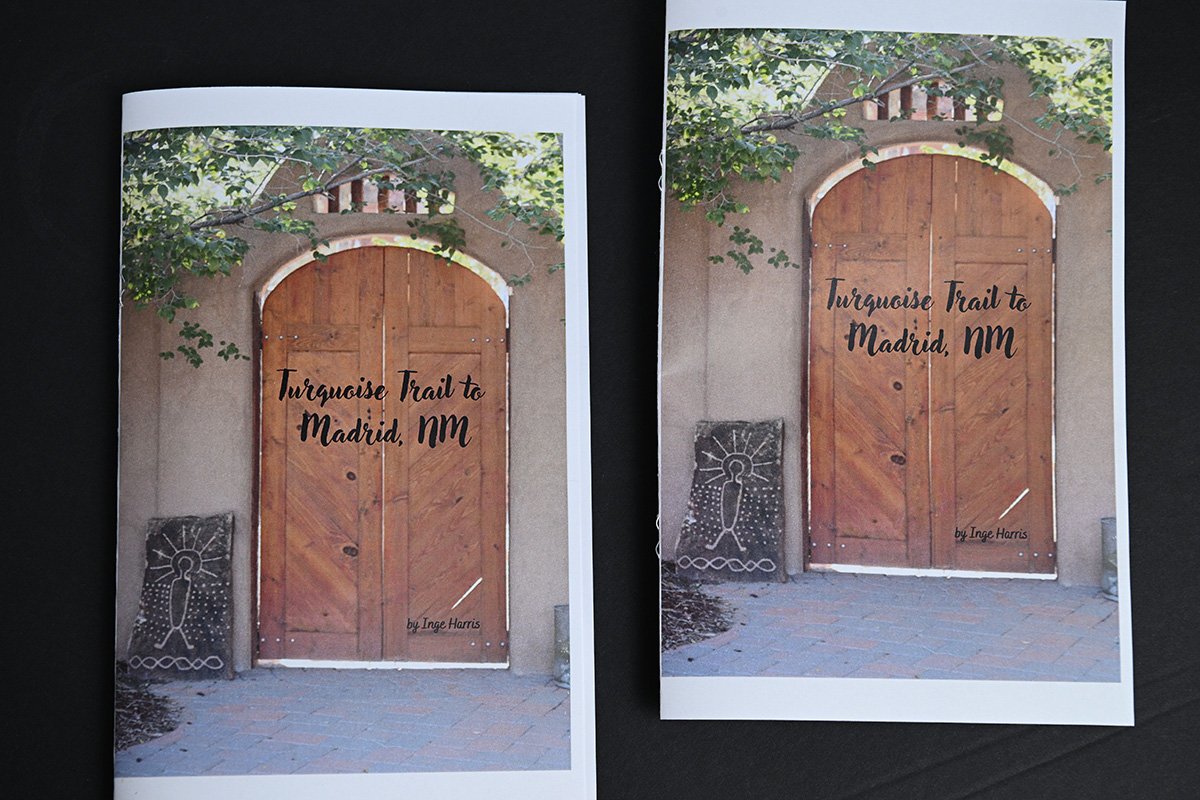
Inge-Harris-Zine-1-DSC_3354
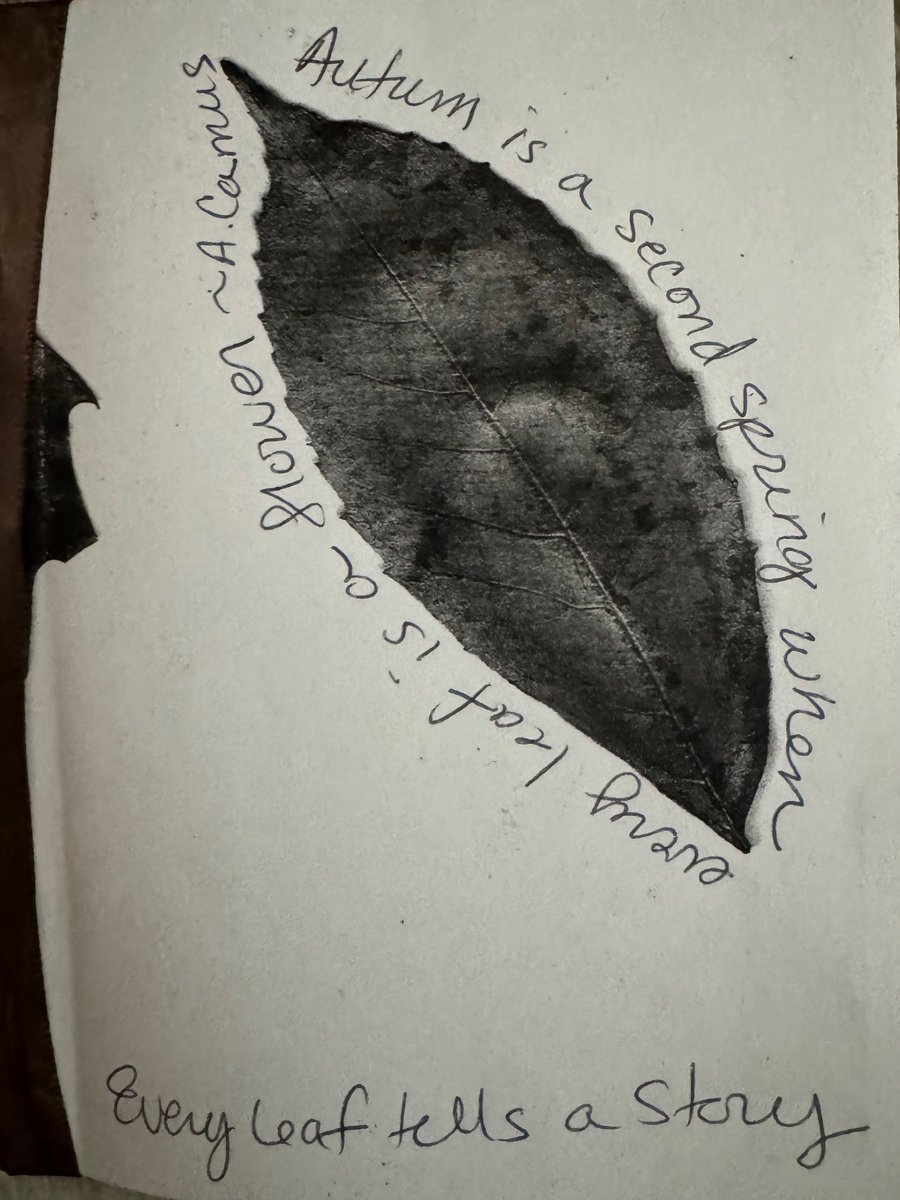
Mikala1
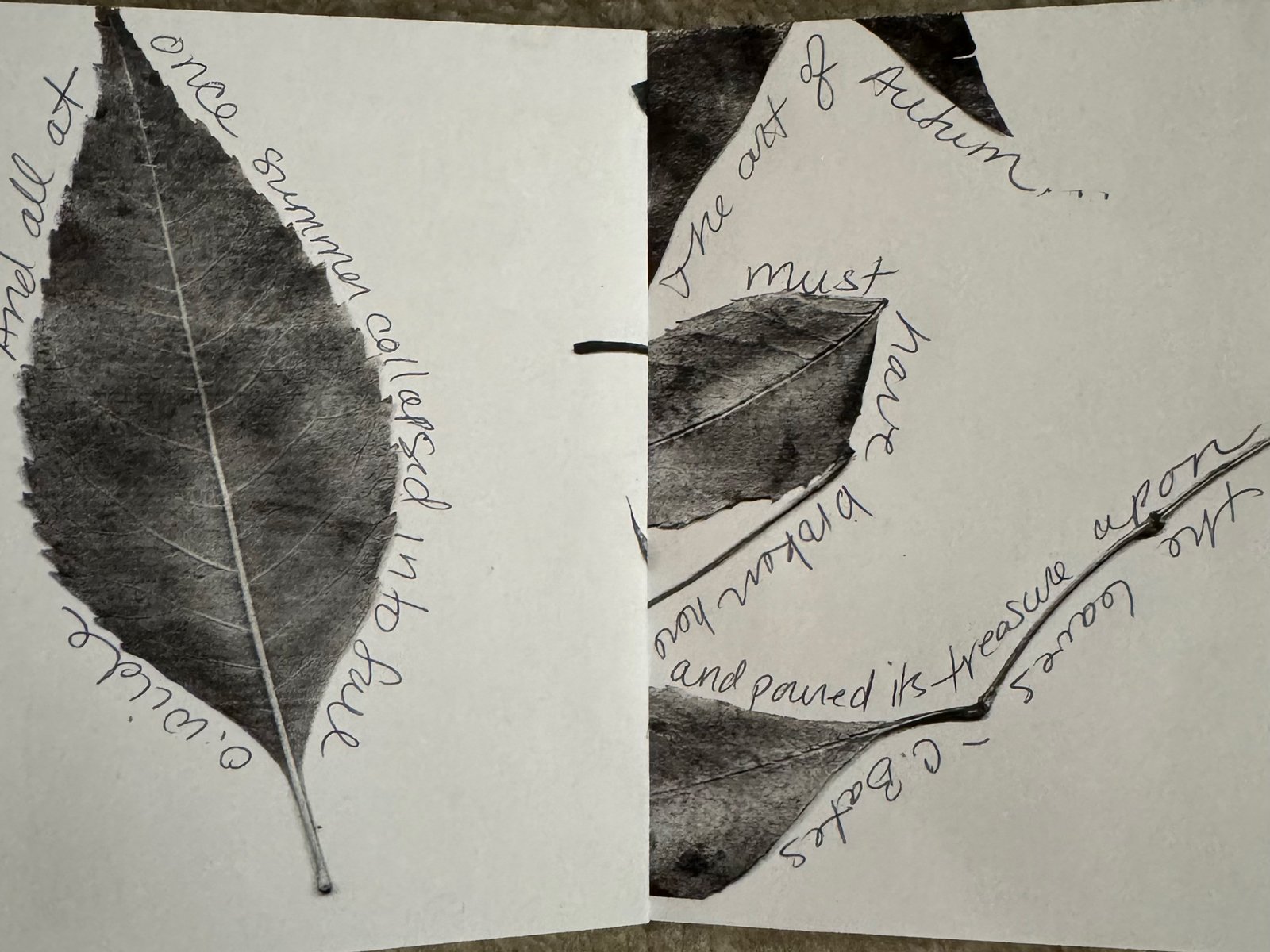
Mikala2
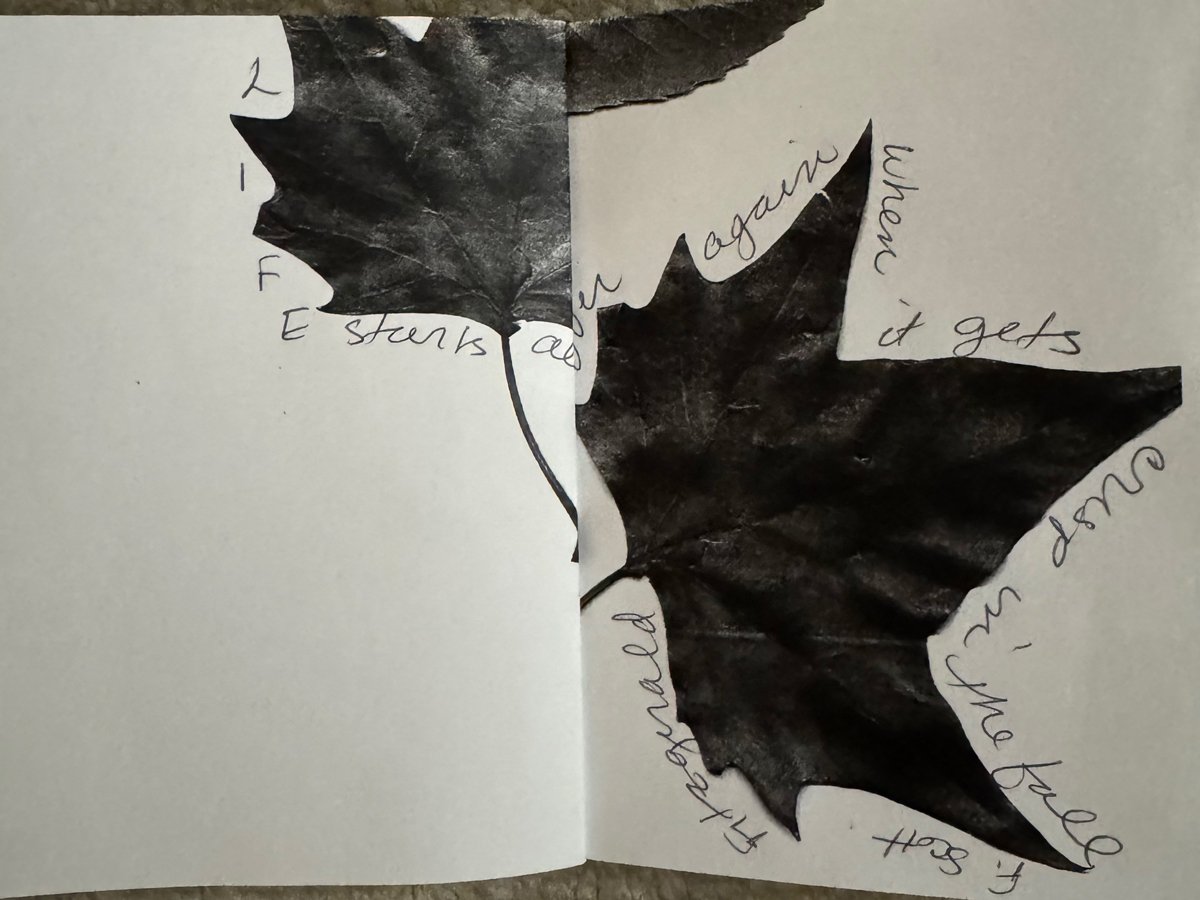
Mikala3
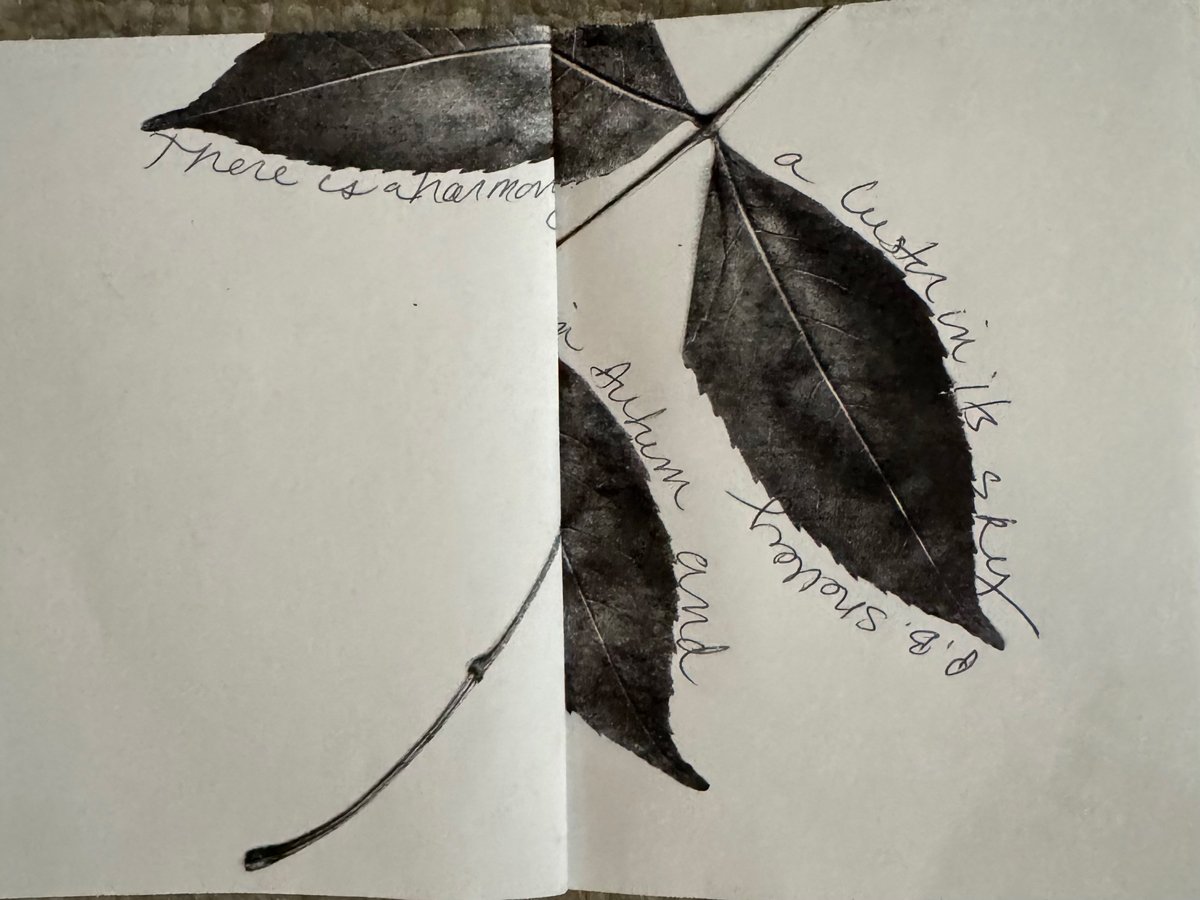
Mikala4
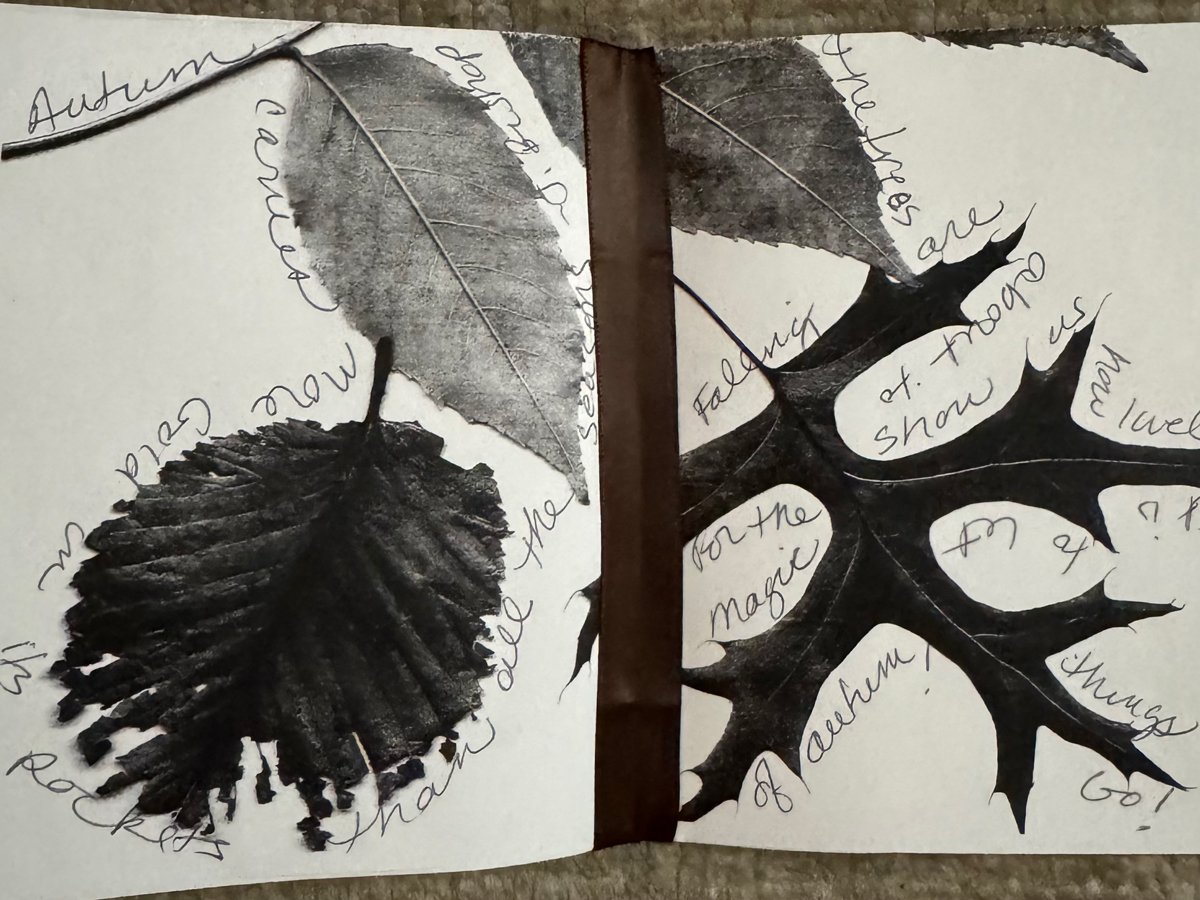
Mikala5
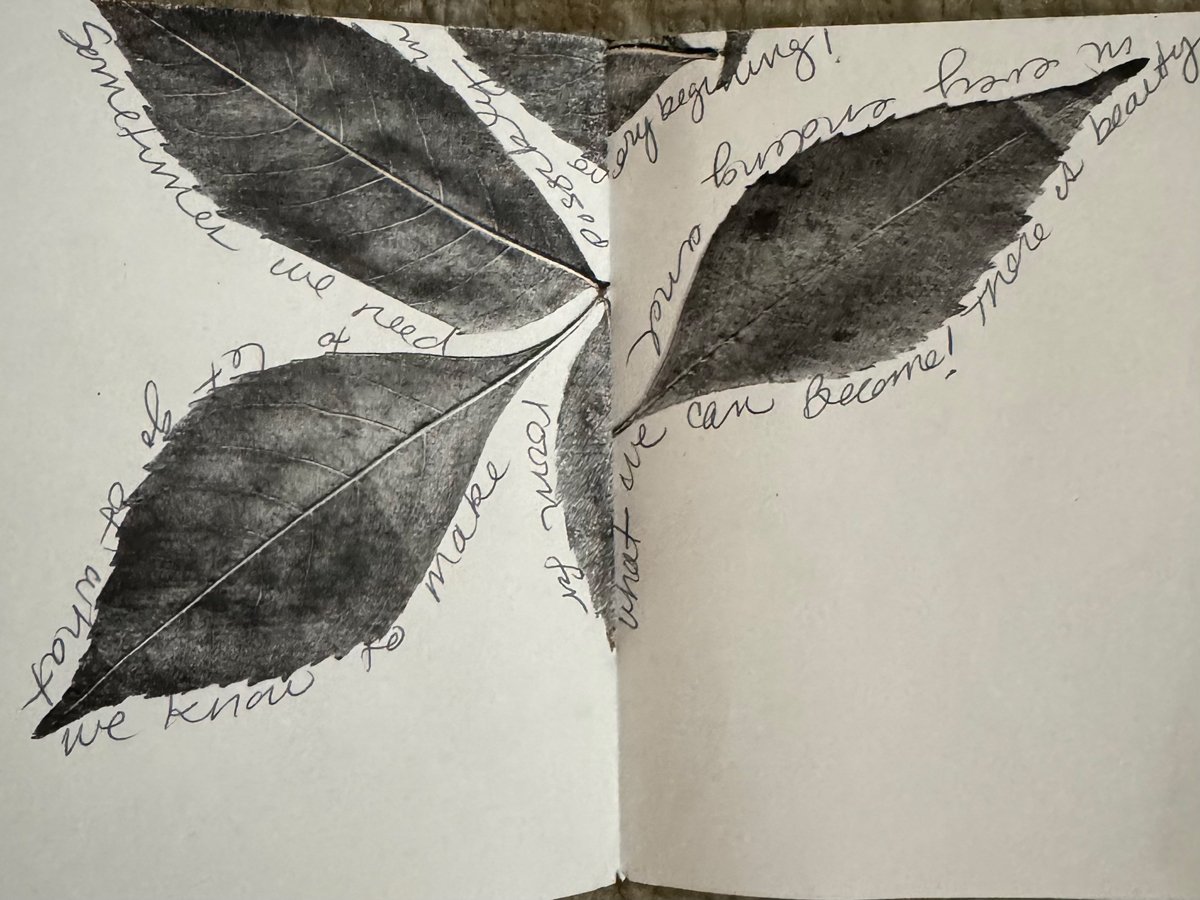
MIkala6
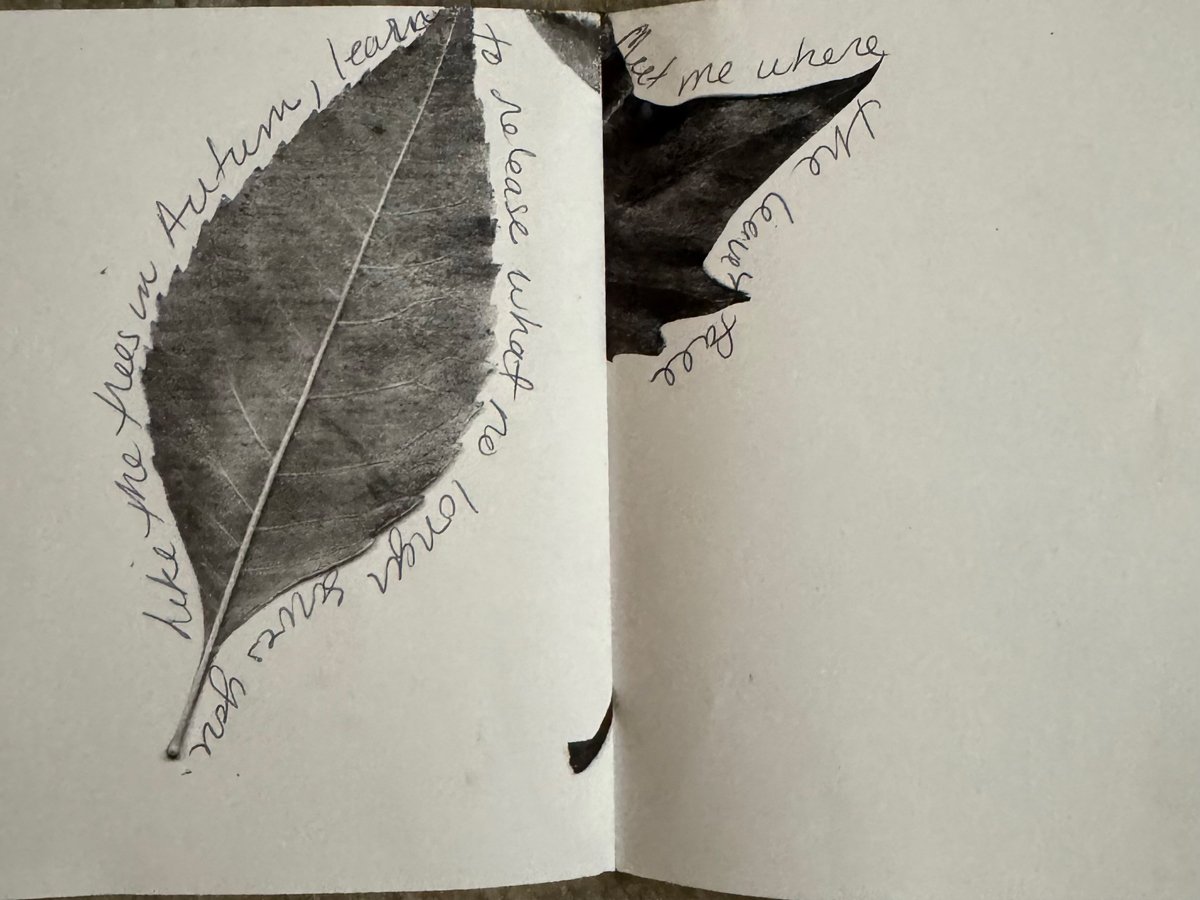
Mikala7
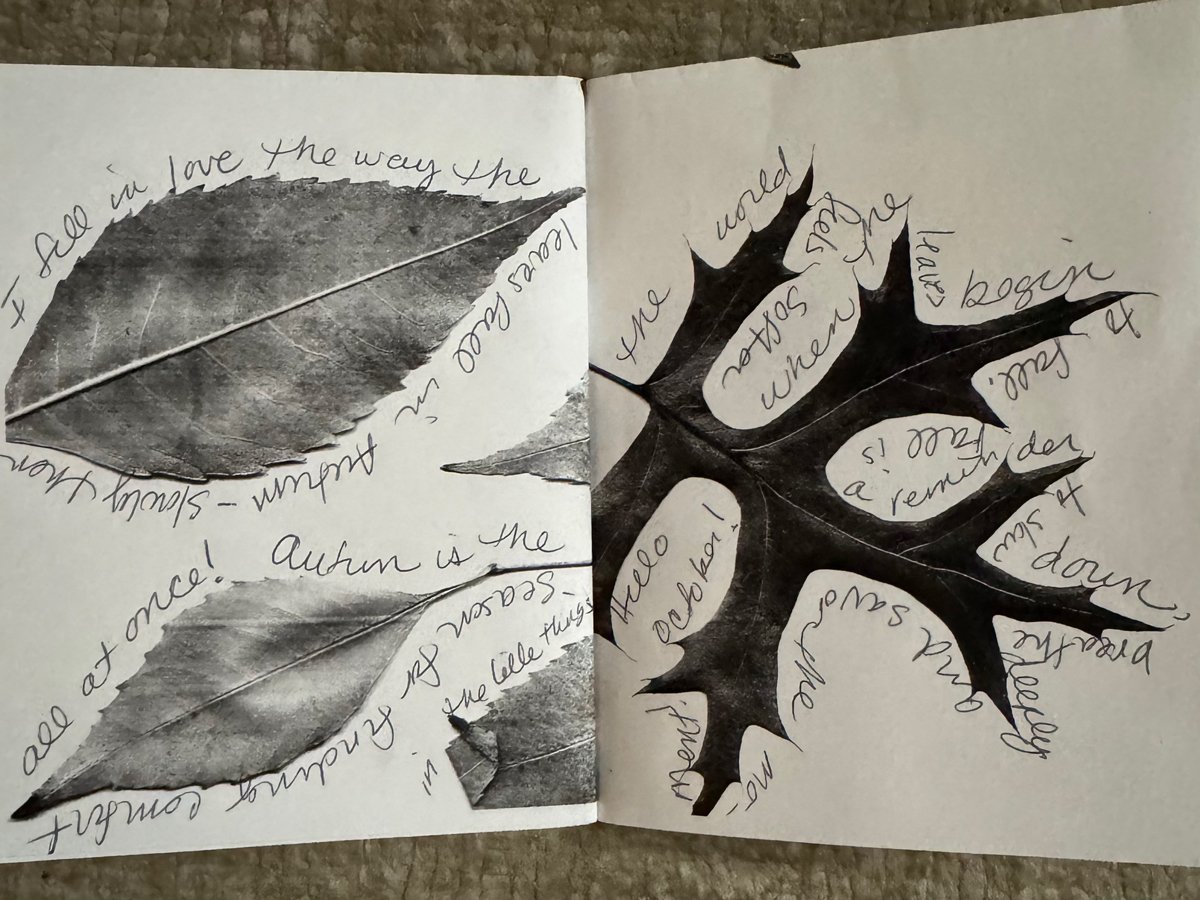
Mikala8